> ## Documentation Index
> Fetch the complete documentation index at: https://docs.dentolize.com/llms.txt
> Use this file to discover all available pages before exploring further.
# Creating the journey and stages in CRM
> Set up the stages leads move through, group them into journeys, and set reject reasons and lead QR links.
Go to **Settings → Leads**. The tabs are **Stages**, **Journey**, **Stage Timeline**, **Reject Reasons** and **Lead QR Links**.
## 1️⃣ Create the stages
On the **Stages** tab, click **New Item**:
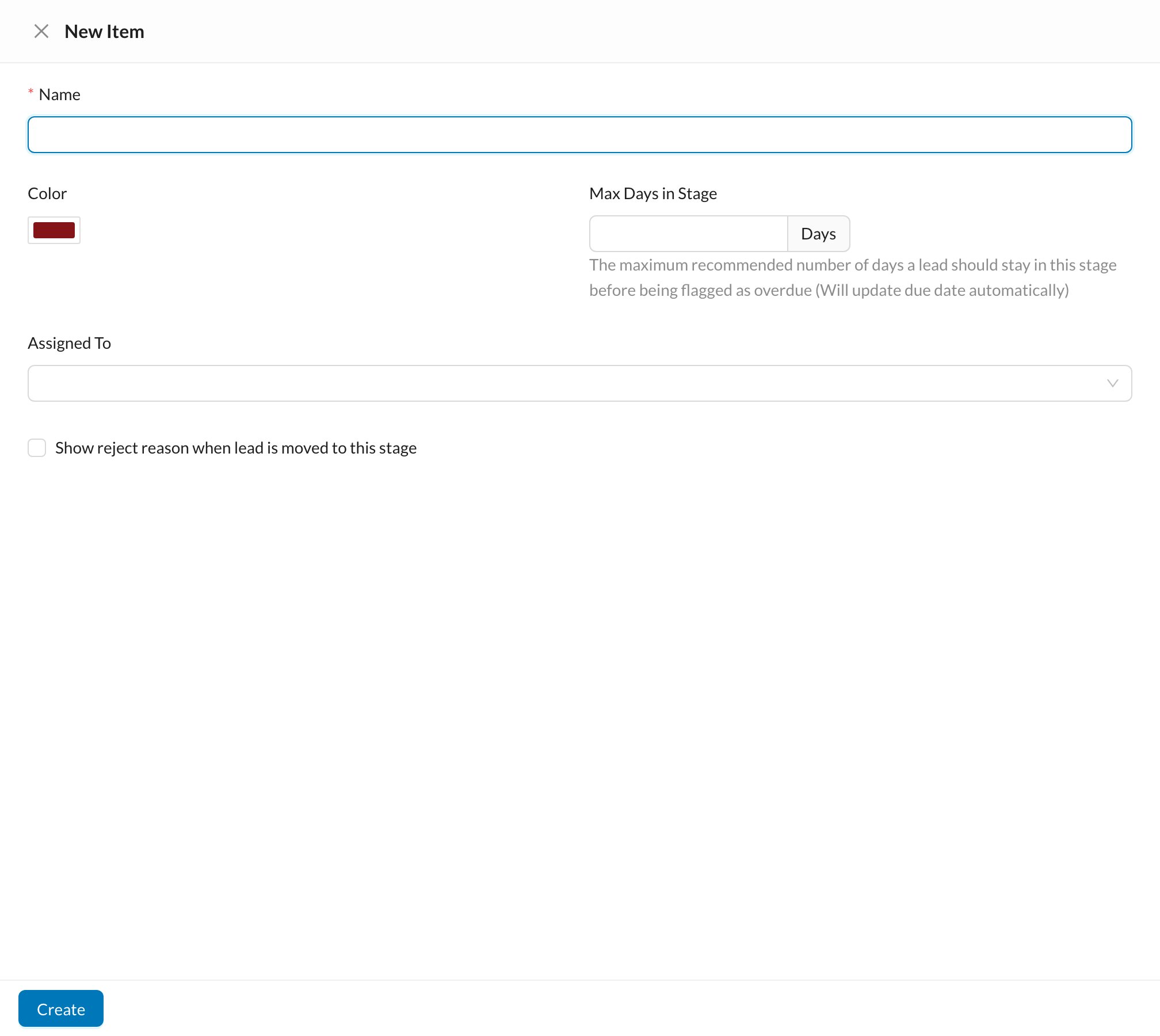 * **Name** (unique) and **Color**.
* **Max Days in Stage:** how long a lead should stay in this stage. When a lead enters it, its due date is set automatically, and it's flagged overdue after that.
* **Assigned To:** the users who handle this stage. New leads are shared between them in turn.
* **Show reject reason when lead is moved to this stage:** for "lost" stages, asks for a reject reason.
* **Name** (unique) and **Color**.
* **Max Days in Stage:** how long a lead should stay in this stage. When a lead enters it, its due date is set automatically, and it's flagged overdue after that.
* **Assigned To:** the users who handle this stage. New leads are shared between them in turn.
* **Show reject reason when lead is moved to this stage:** for "lost" stages, asks for a reject reason.
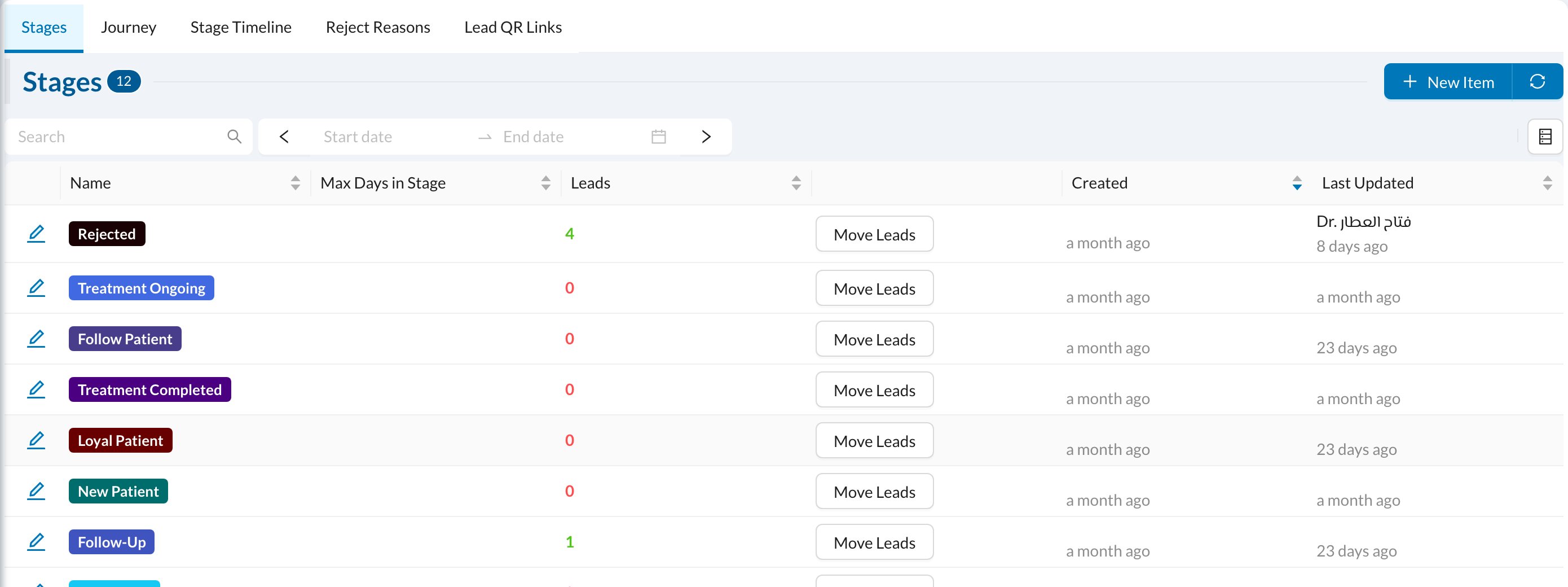 **Move Leads** on a stage moves many leads to another stage at once.
## 2️⃣ Group stages into journeys
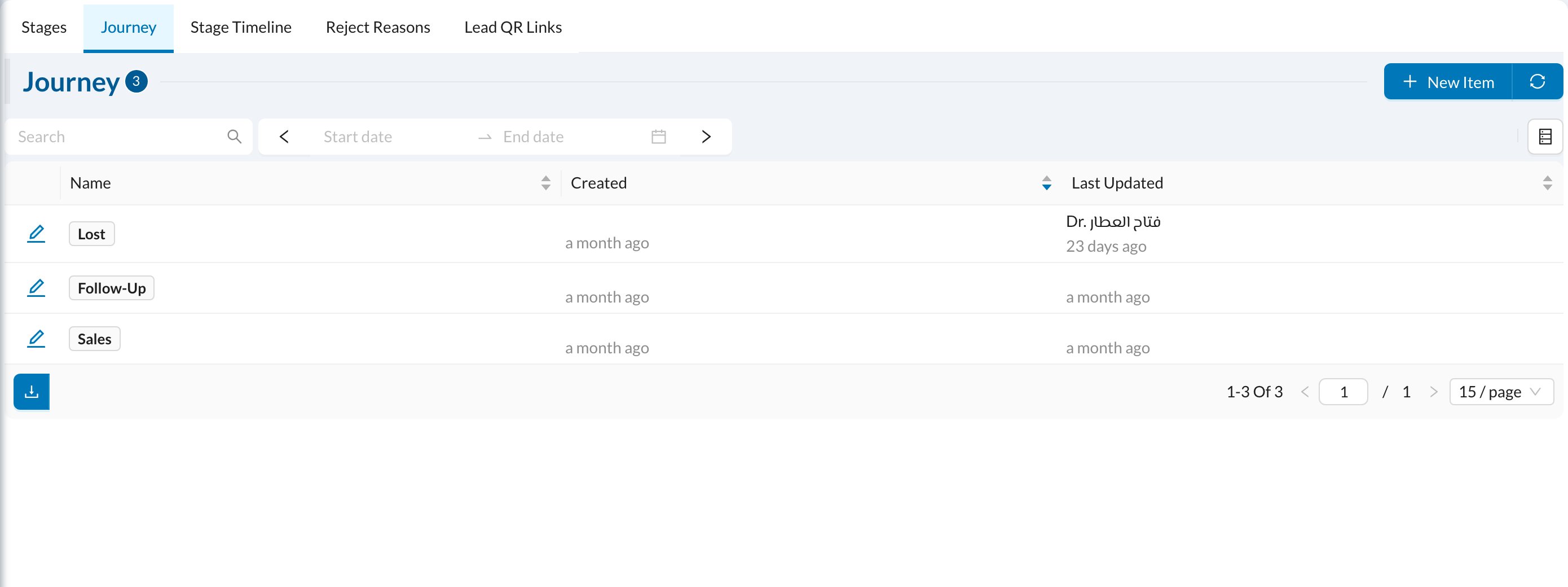
On the **Journey** tab, click **New Item**, enter a **Name**, choose the **Assigned To** users, and add the **Stages** in order (drag to reorder). The order is the order of the columns on the board.
**Move Leads** on a stage moves many leads to another stage at once.
## 2️⃣ Group stages into journeys
On the **Journey** tab, click **New Item**, enter a **Name**, choose the **Assigned To** users, and add the **Stages** in order (drag to reorder). The order is the order of the columns on the board.
 A stage can belong to **one** journey only. Deleting a journey doesn't delete its stages, but they disappear from the boards until you add them to another journey.
## 3️⃣ Reject reasons and QR links
* **Reject Reasons:** the reasons for losing a lead, such as Price, Competitor Chosen or No Response.
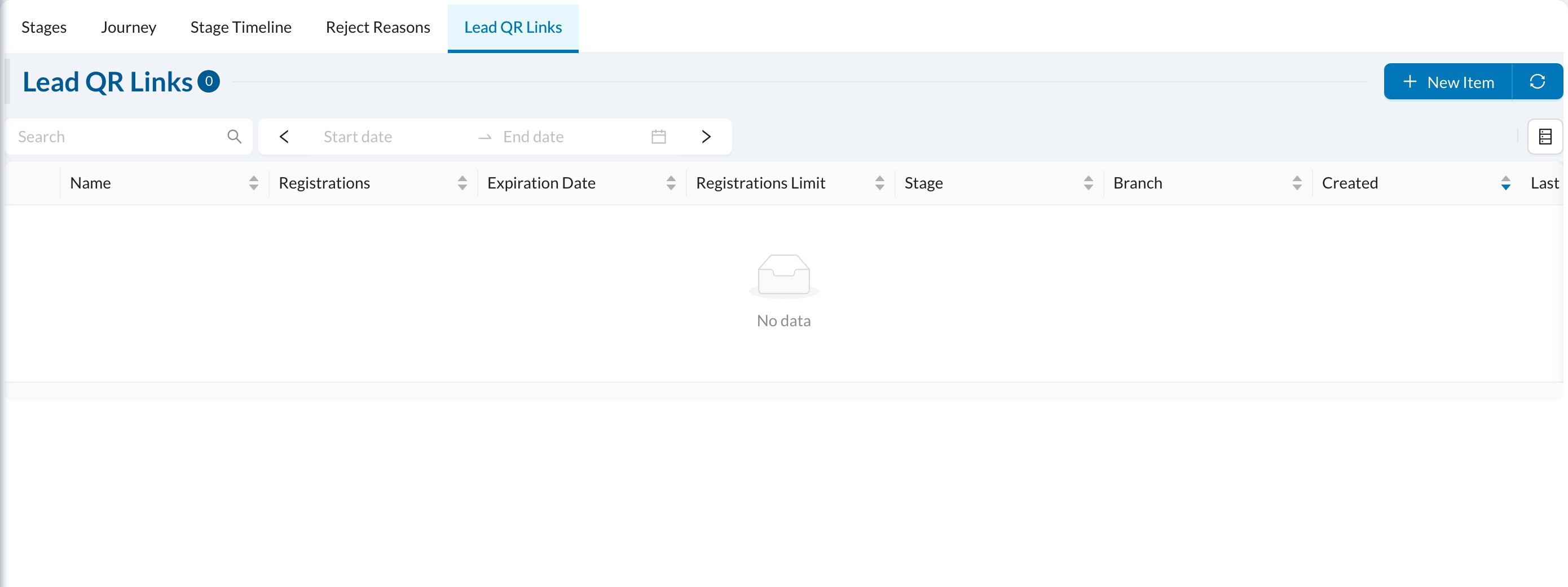
* **Lead QR Links:** create a form link or QR code (for your website, ads or reception) that adds the lead to a chosen **Stage** and **Branch**. Choose the fields shown and required, how long the link works and how many registrations it accepts.
A stage can belong to **one** journey only. Deleting a journey doesn't delete its stages, but they disappear from the boards until you add them to another journey.
## 3️⃣ Reject reasons and QR links
* **Reject Reasons:** the reasons for losing a lead, such as Price, Competitor Chosen or No Response.
* **Lead QR Links:** create a form link or QR code (for your website, ads or reception) that adds the lead to a chosen **Stage** and **Branch**. Choose the fields shown and required, how long the link works and how many registrations it accepts.