> ## Documentation Index
> Fetch the complete documentation index at: https://docs.dentolize.com/llms.txt
> Use this file to discover all available pages before exploring further.
# Audit and patient records
> See who changed what, what was deleted, and find duplicate or archived patients.
## 🕵️ User Actions
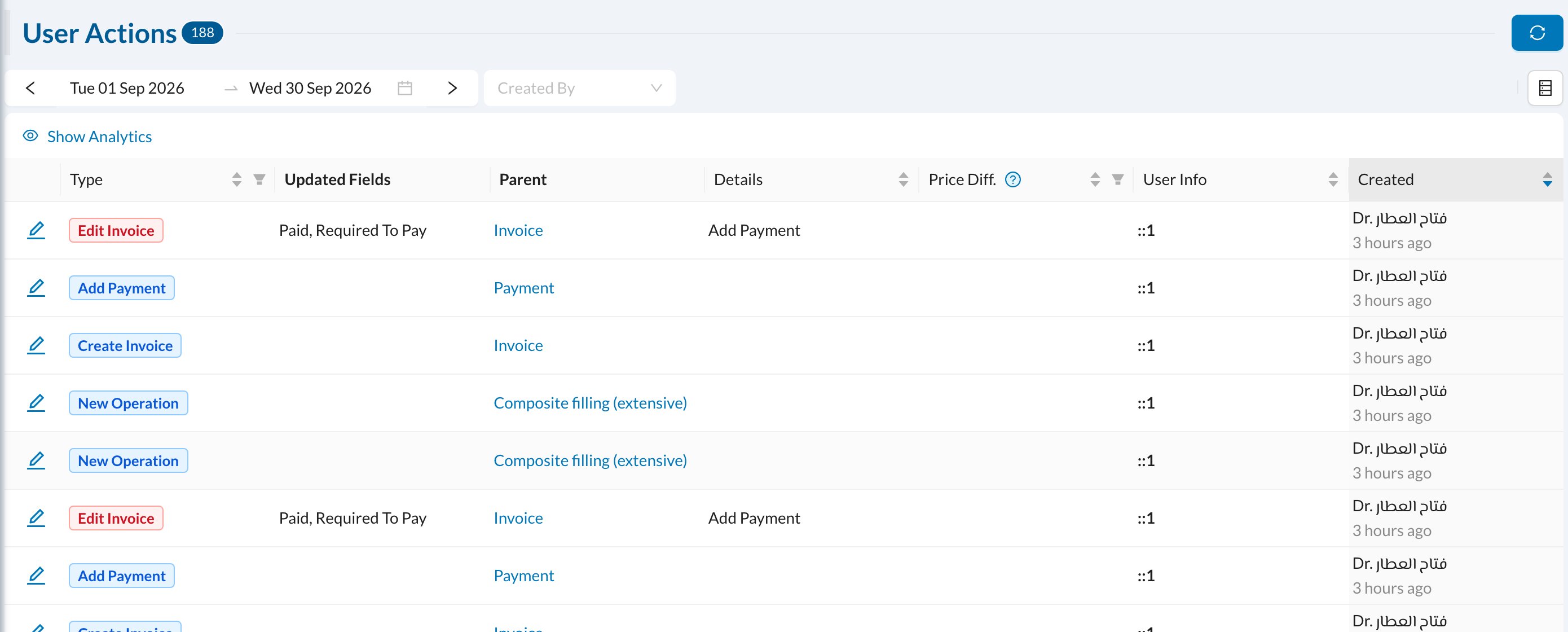
**Logs → User Actions** lists every change made by users: the action (for example **Edit Invoice** or **Add Payment**), the fields that changed, what it belongs to, who made it and when.
 ## 🗑️ Deleted Records
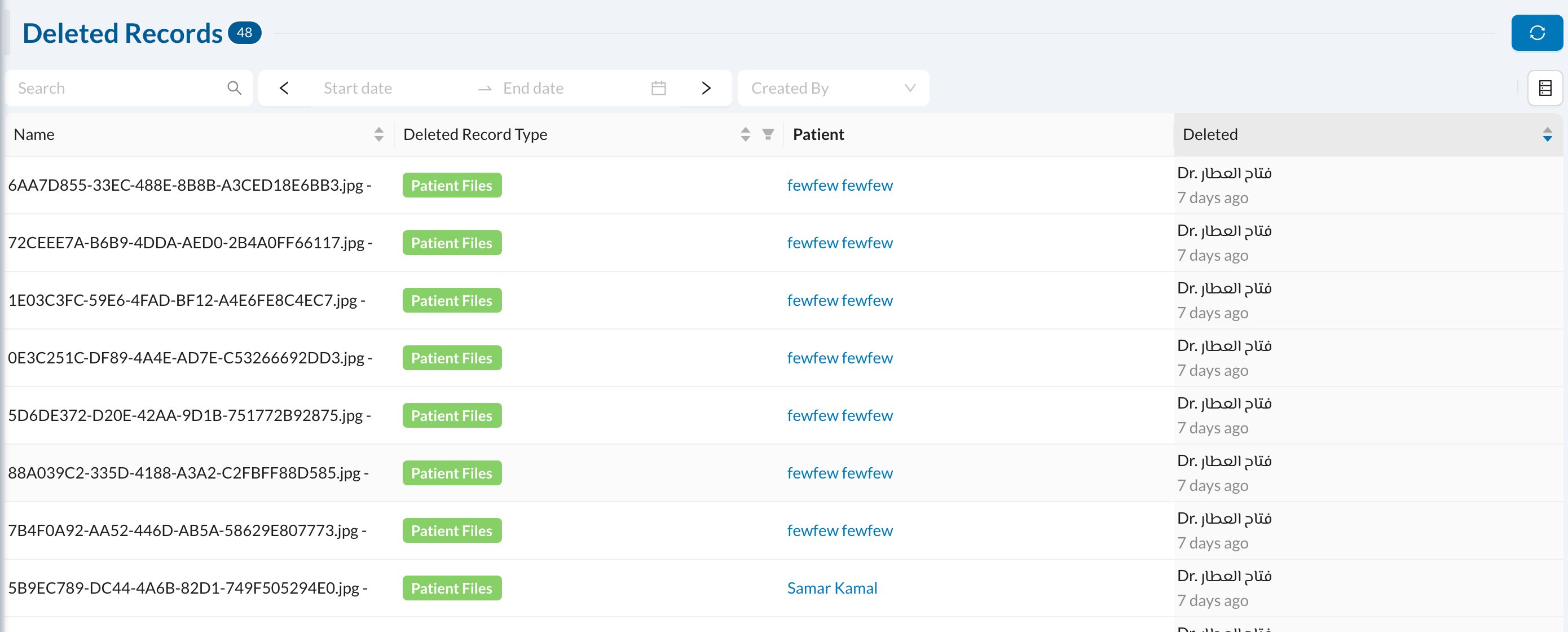
**Logs → Deleted Records** lists everything that was deleted (invoices, payments, appointments, files and so on), with who deleted it and when. Filter by **Deleted Record Type**.
## 🗑️ Deleted Records
**Logs → Deleted Records** lists everything that was deleted (invoices, payments, appointments, files and so on), with who deleted it and when. Filter by **Deleted Record Type**.
 Deleted records can't be restored from here. The log only shows what was deleted.
## 👥 Duplicate Patients
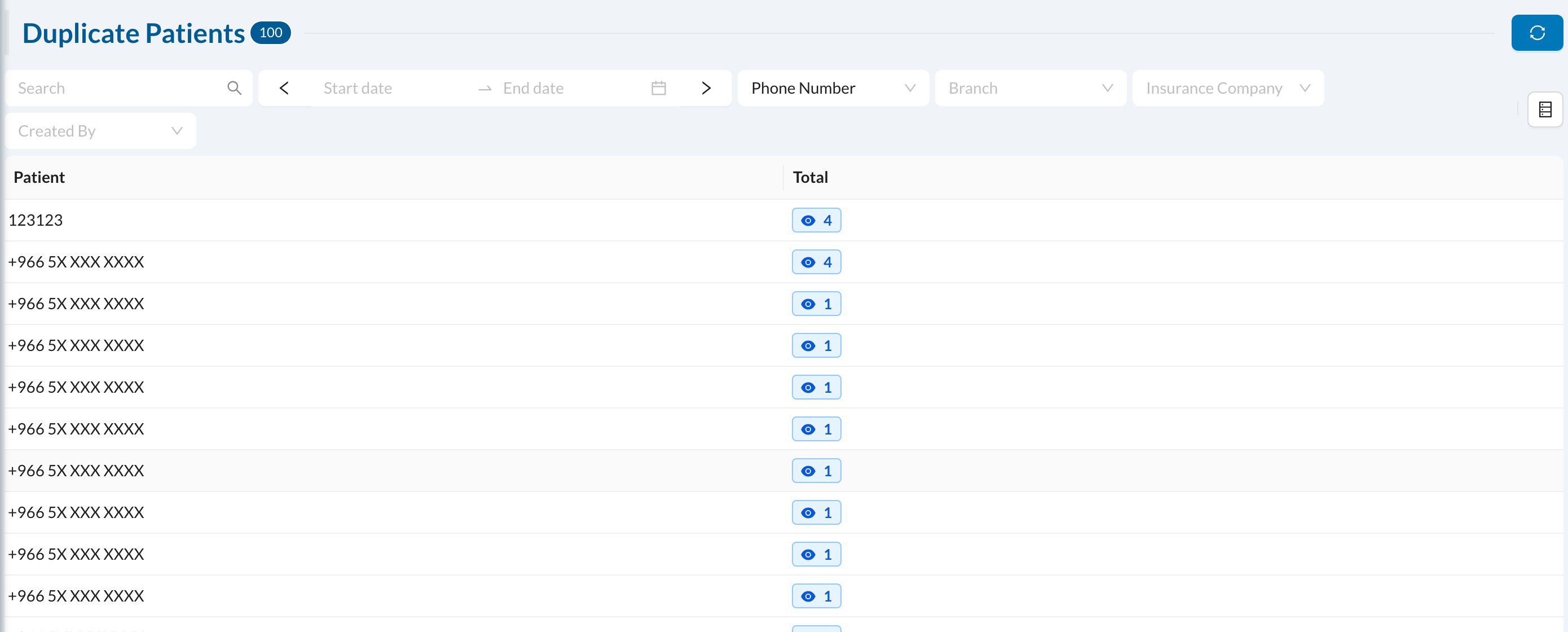
**Logs → Duplicate Patients** finds patients registered more than once. Choose what to compare (**Phone Number**, name, patient ID or national ID), then click the count to see the matching patients.
Deleted records can't be restored from here. The log only shows what was deleted.
## 👥 Duplicate Patients
**Logs → Duplicate Patients** finds patients registered more than once. Choose what to compare (**Phone Number**, name, patient ID or national ID), then click the count to see the matching patients.
 To combine two records, open the patient and use **Merge Patient**, which moves all its records to the other patient and deletes this one (see [Patient search and edit](/en/reception/px-search)).
## 🗄️ Archived Patients
**Logs → Archived Patients** lists patients that were archived. Open a patient and click **Enable** to bring them back.
To combine two records, open the patient and use **Merge Patient**, which moves all its records to the other patient and deletes this one (see [Patient search and edit](/en/reception/px-search)).
## 🗄️ Archived Patients
**Logs → Archived Patients** lists patients that were archived. Open a patient and click **Enable** to bring them back.