> ## Documentation Index
> Fetch the complete documentation index at: https://docs.dentolize.com/llms.txt
> Use this file to discover all available pages before exploring further.
# Monthly expense settings
> Record fixed monthly costs such as rent and salaries automatically every month, and generate salary expenses.
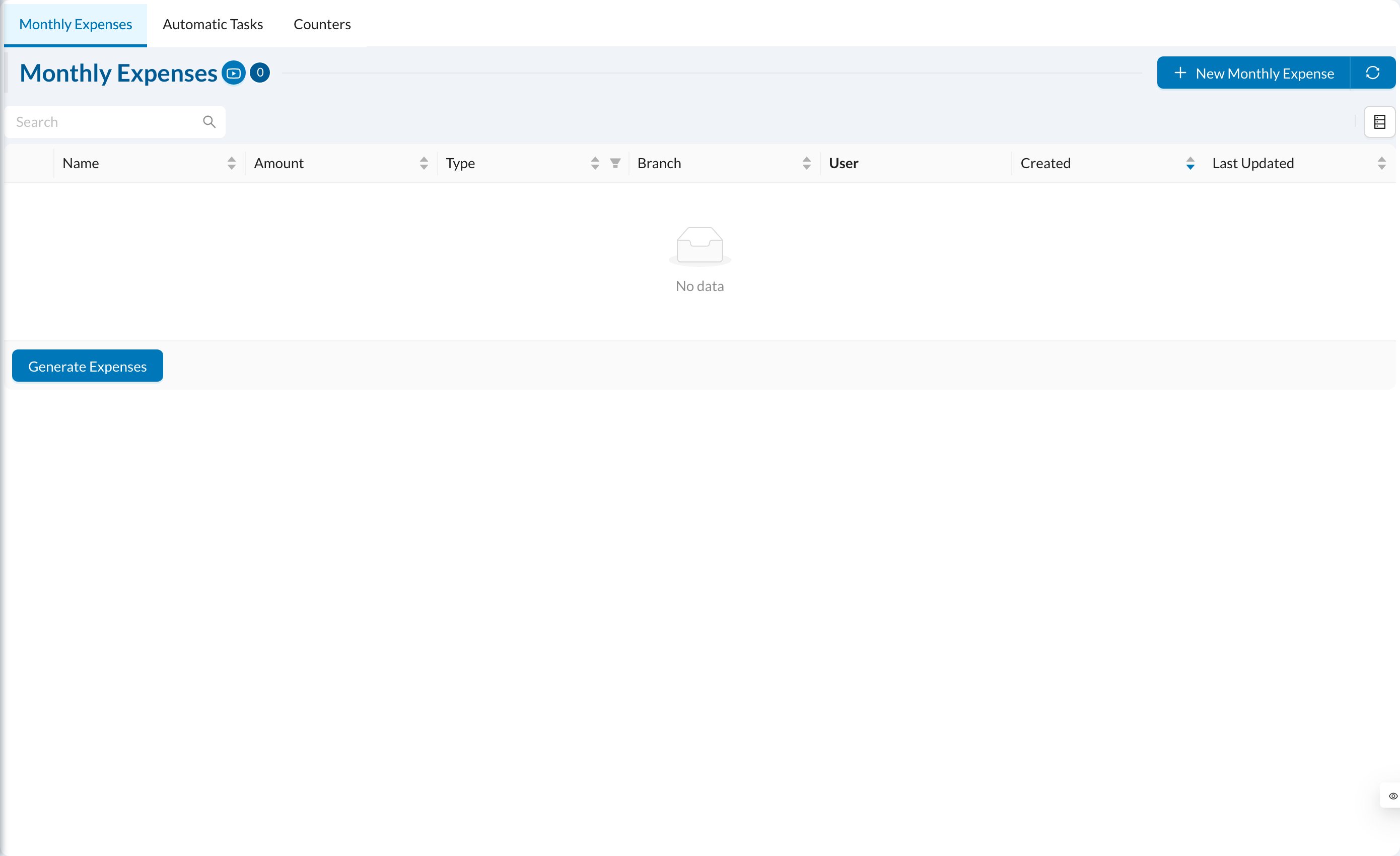
Go to **Settings → Processes → Monthly Expenses**.
 ## ➕ Add a monthly expense
Click **New Monthly Expense**: enter the **Name**, **Amount**, **Type** (for example Salary or Rent), the **User** for salaries, the **Branch**, and a description. Tick **Mark Expenses as Paid** and choose the **Payment Type** to record the payment automatically. Keep it **Active**.
On the **1st of every month**, each active monthly expense is created automatically for the previous month. For salaries linked to a user, advances, bonuses and deductions of the month are taken into account.
## ⚙️ Generate expenses
Click **Generate Expenses** to create expenses for a period yourself. Choose the dates (up to one month), the branch, and whether to **Include Monthly Expenses** and **Include Salaries** (calculated from each doctor's percentage or salary settings). Review and edit the list, then click **Create Expenses**. They're created as unpaid.
Active monthly expenses are already created automatically each month. Generating them again for the same month creates duplicates.
## ➕ Add a monthly expense
Click **New Monthly Expense**: enter the **Name**, **Amount**, **Type** (for example Salary or Rent), the **User** for salaries, the **Branch**, and a description. Tick **Mark Expenses as Paid** and choose the **Payment Type** to record the payment automatically. Keep it **Active**.
On the **1st of every month**, each active monthly expense is created automatically for the previous month. For salaries linked to a user, advances, bonuses and deductions of the month are taken into account.
## ⚙️ Generate expenses
Click **Generate Expenses** to create expenses for a period yourself. Choose the dates (up to one month), the branch, and whether to **Include Monthly Expenses** and **Include Salaries** (calculated from each doctor's percentage or salary settings). Review and edit the list, then click **Create Expenses**. They're created as unpaid.
Active monthly expenses are already created automatically each month. Generating them again for the same month creates duplicates.