> ## Documentation Index
> Fetch the complete documentation index at: https://docs.dentolize.com/llms.txt
> Use this file to discover all available pages before exploring further.
# Templates settings
> Manage your ready-made texts: SMS messages, prescription templates, patient reminders, consent forms, note templates and medications.
Go to **Settings → Templates**. Each tab holds ready-made content your team uses every day:
| Tab | What it's for |
| - | - |
| **SMS** | Automatic and manual messages. See [SMS](/en/integrations/sms). |
| **Prescription Templates** | Prescriptions you write often. See [Prescriptions](/en/dr-cycle/create-prescription). |
| **Patient Reminders** | Follow-up reminders after treatments. See [Patient Reminders](/en/reception/reminders). |
| **Free Forms** | Consent and treatment forms. See [Consent forms](/en/dr-cycle/create-freeform). |
| **Note Templates** | Ready-made texts for clinical notes. |
| **Medications** | Your list of medicines for prescriptions. |
On the **SMS**, **Patient Reminders** and **Free Forms** tabs, **Get Default List** → **Fill Items** adds a ready-made set for your specialty.
## 📝 Note templates
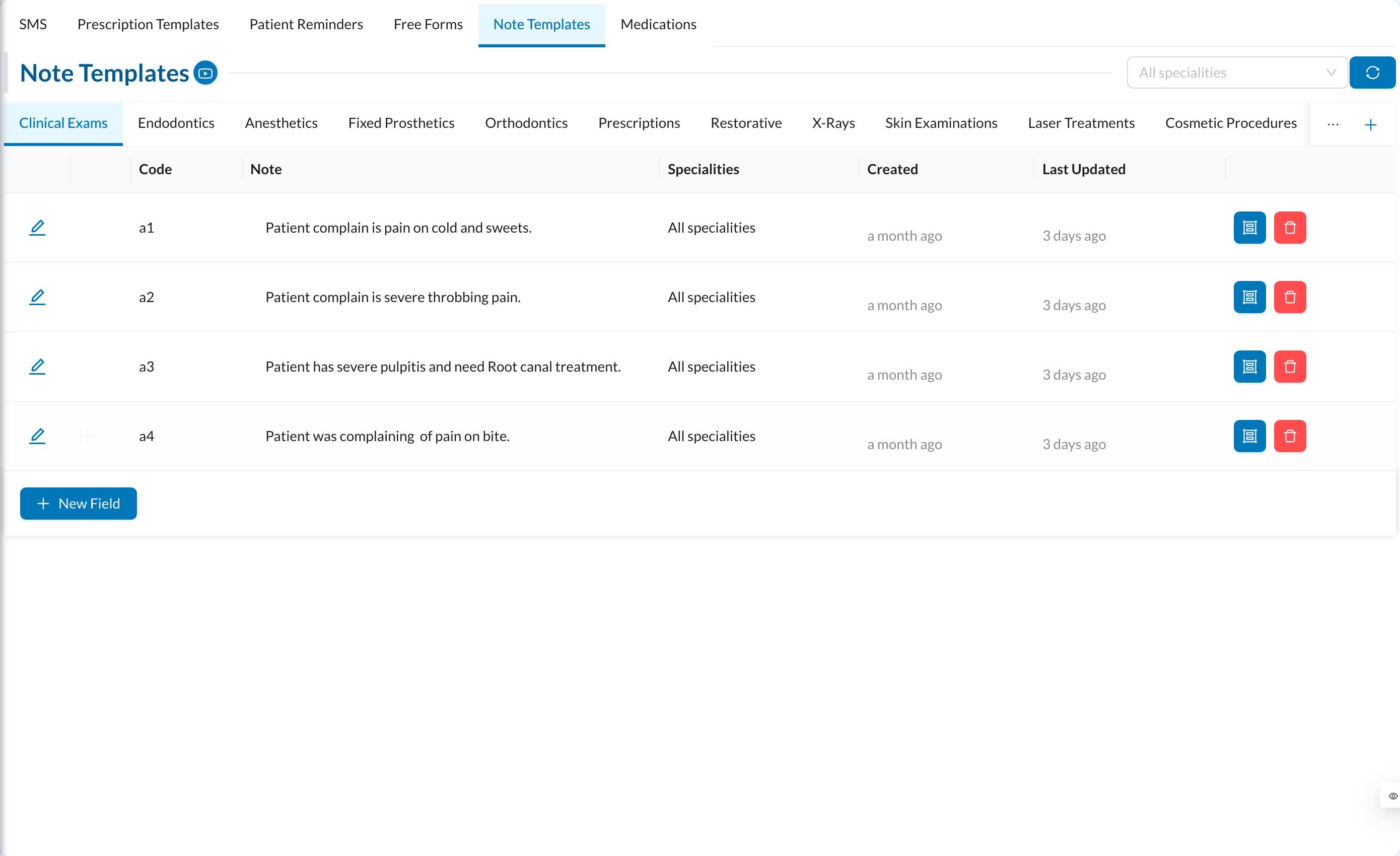 Note templates are organized in groups. Click **New Field** in a group, write the note, and choose the **Specialities** it's for (leave empty for all). In the chart, pick the template when writing a note, or save a new one from there.
## 💊 Medications
Note templates are organized in groups. Click **New Field** in a group, write the note, and choose the **Specialities** it's for (leave empty for all). In the chart, pick the template when writing a note, or save a new one from there.
## 💊 Medications
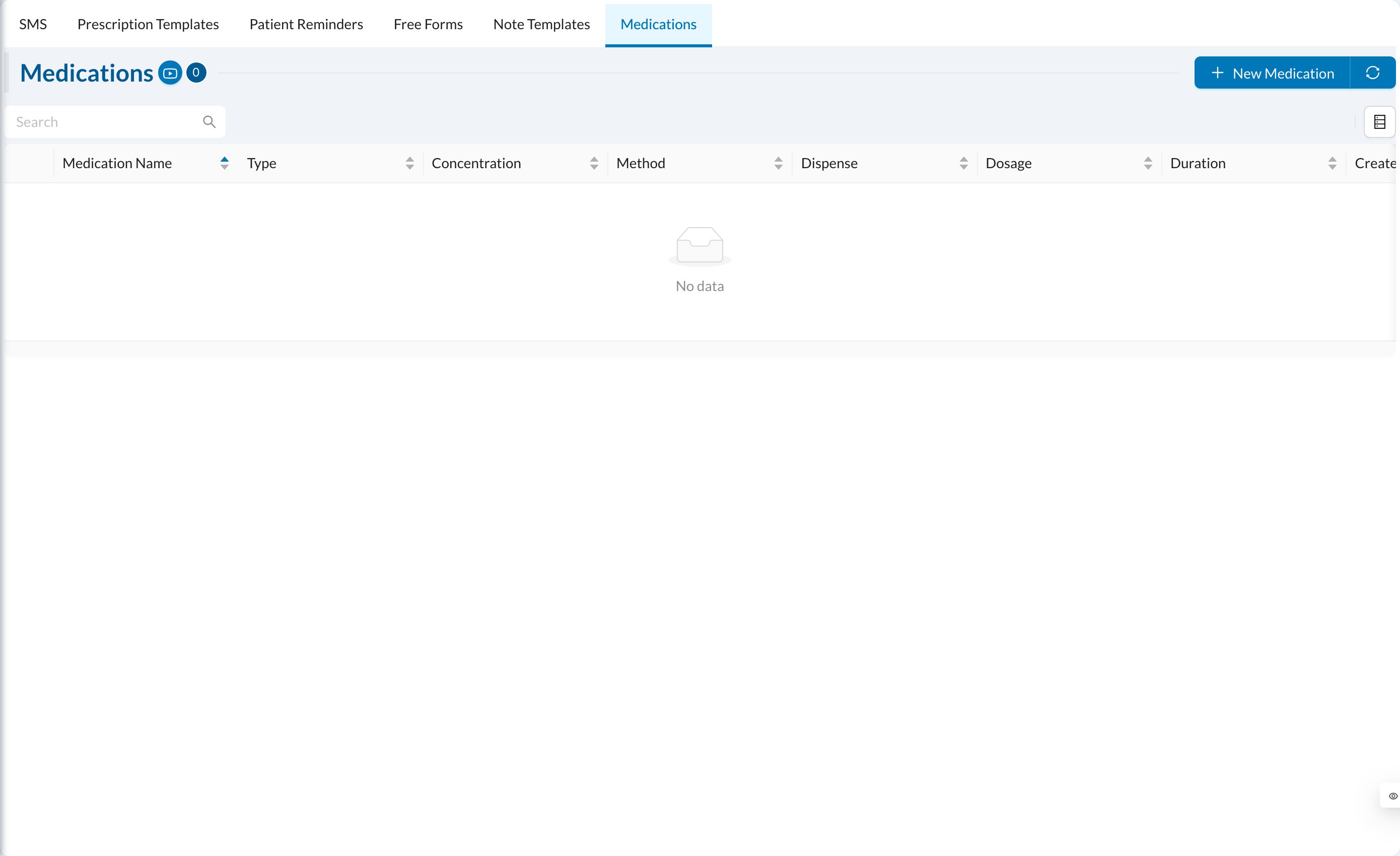 Click **New Medication** and enter the **Medication Name**, **Type**, **Method**, **Concentration**, **Dosage / Day**, **Duration (Days)** and a **Note**. These details are filled in when you choose the medicine in a prescription.