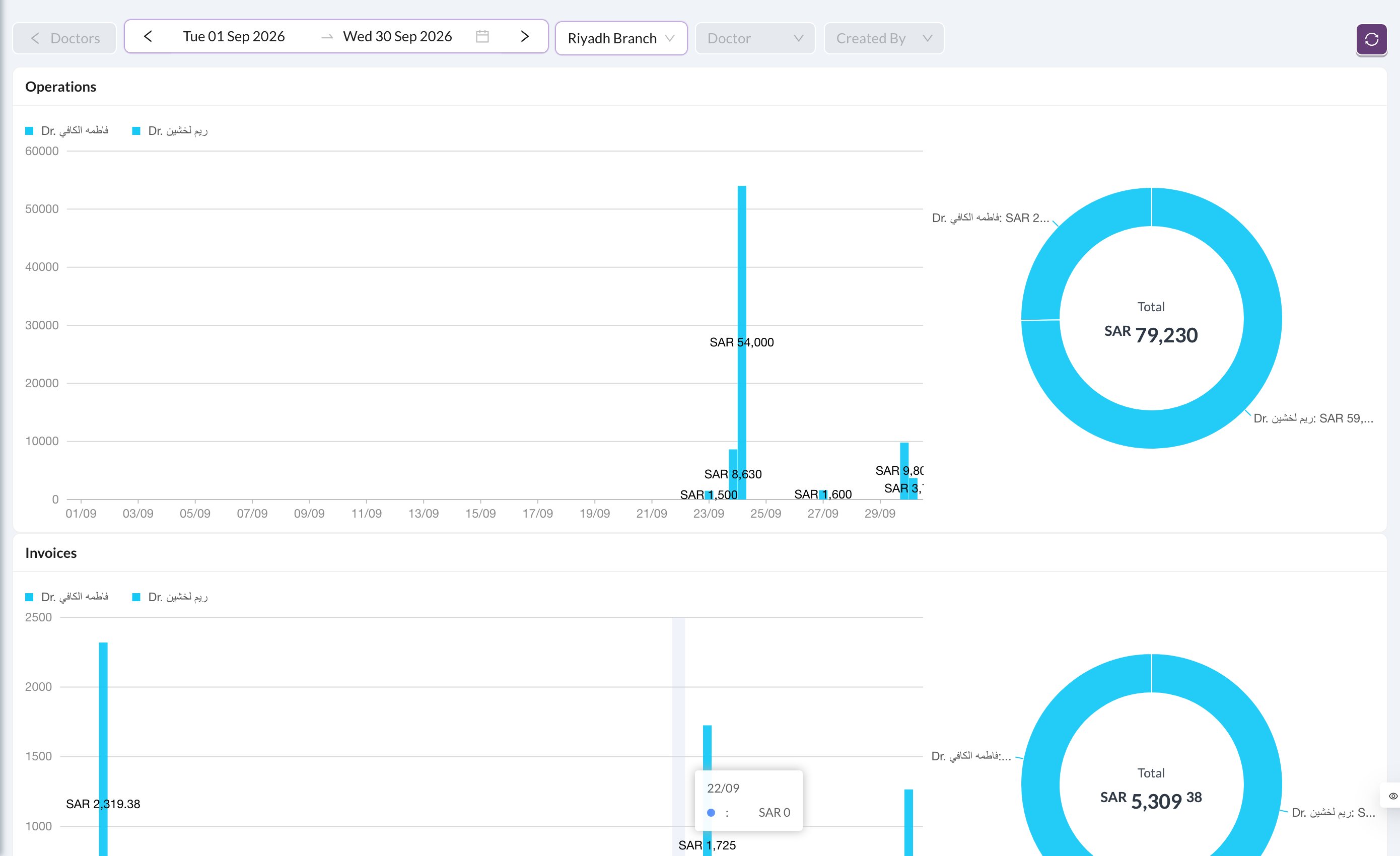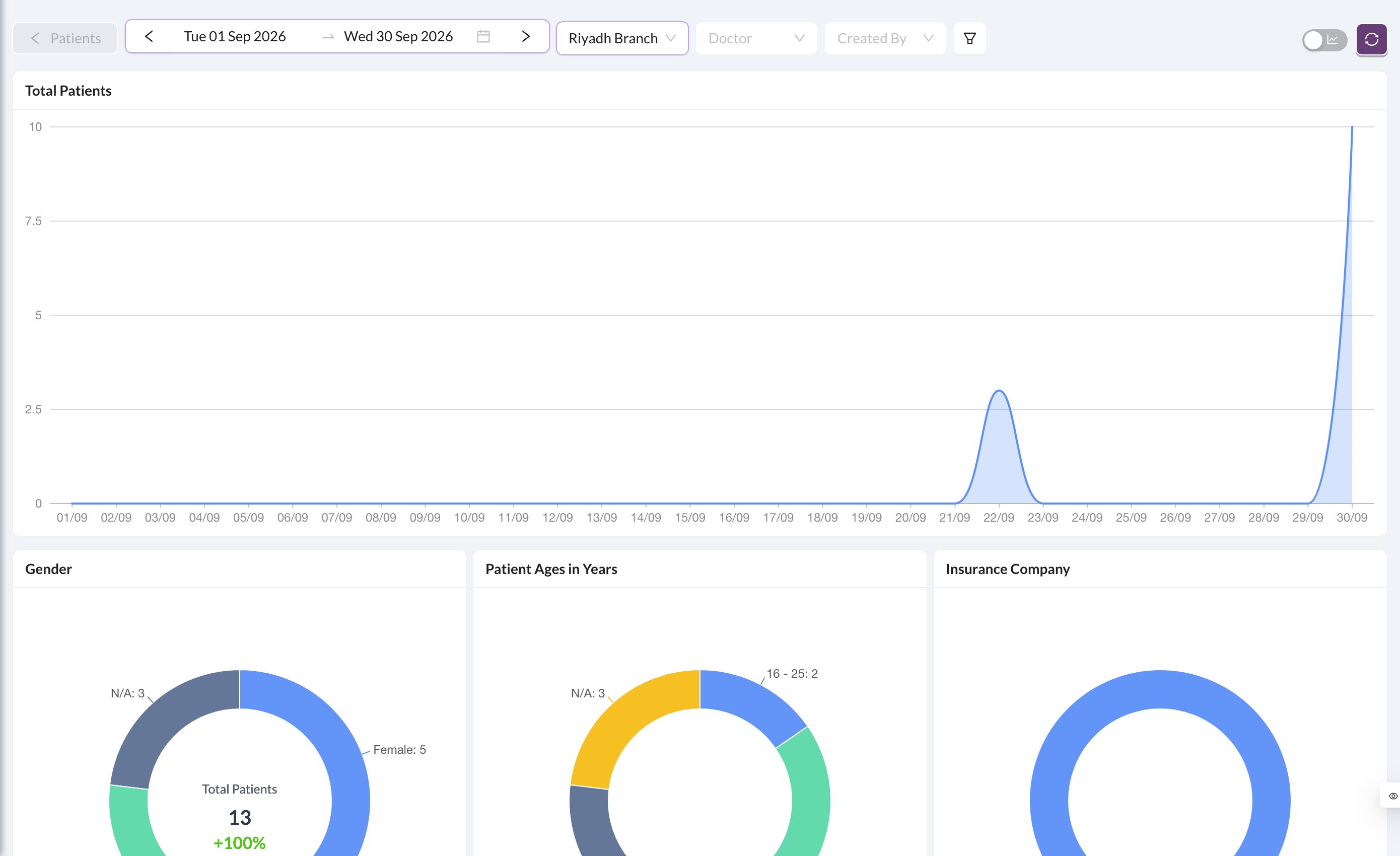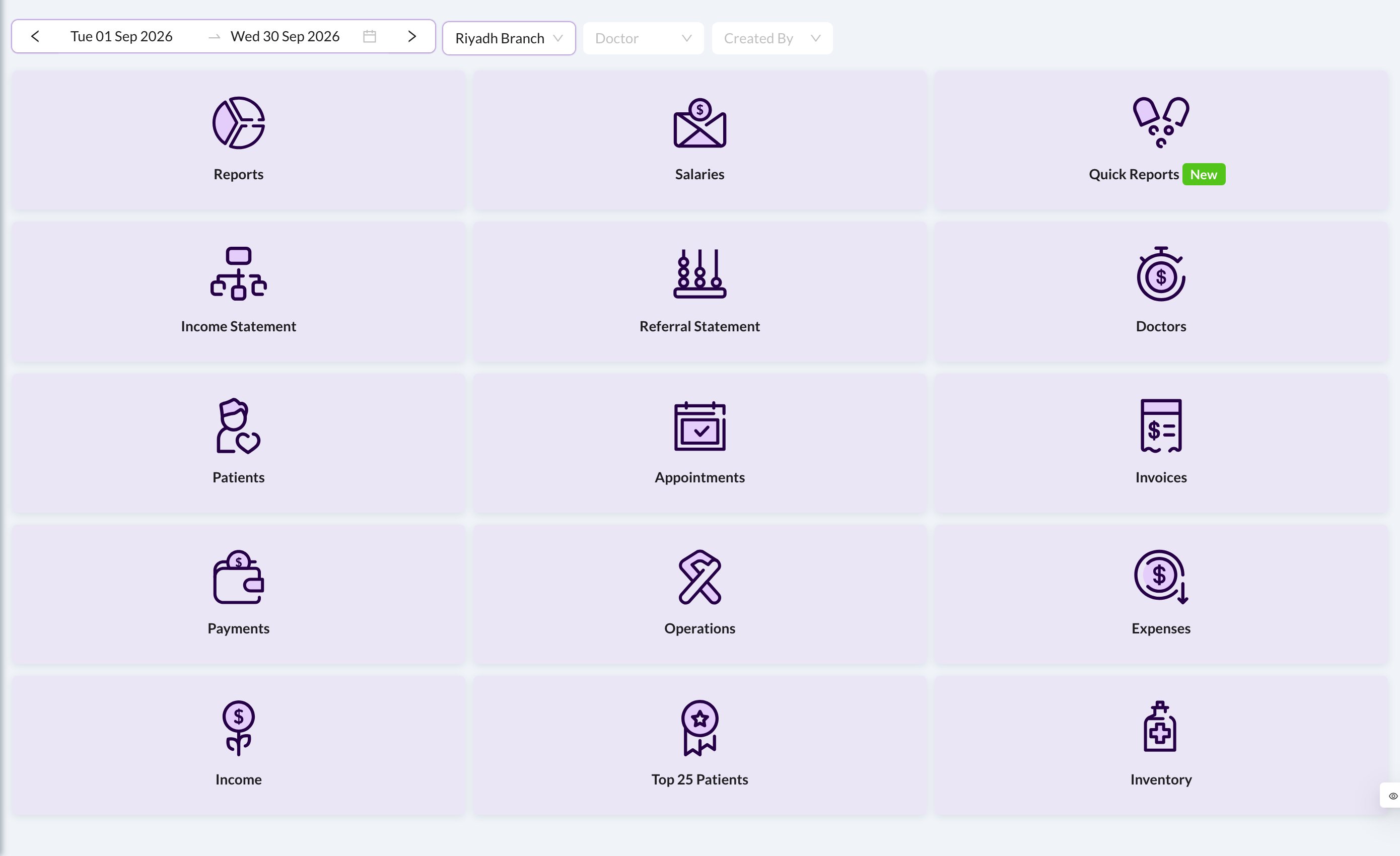
Analytics is switched on for your clinic by Dentolize, and each report has its own permission. You only see the cards you’re allowed to open.
🎛️ Filters
Every report has the same filter bar: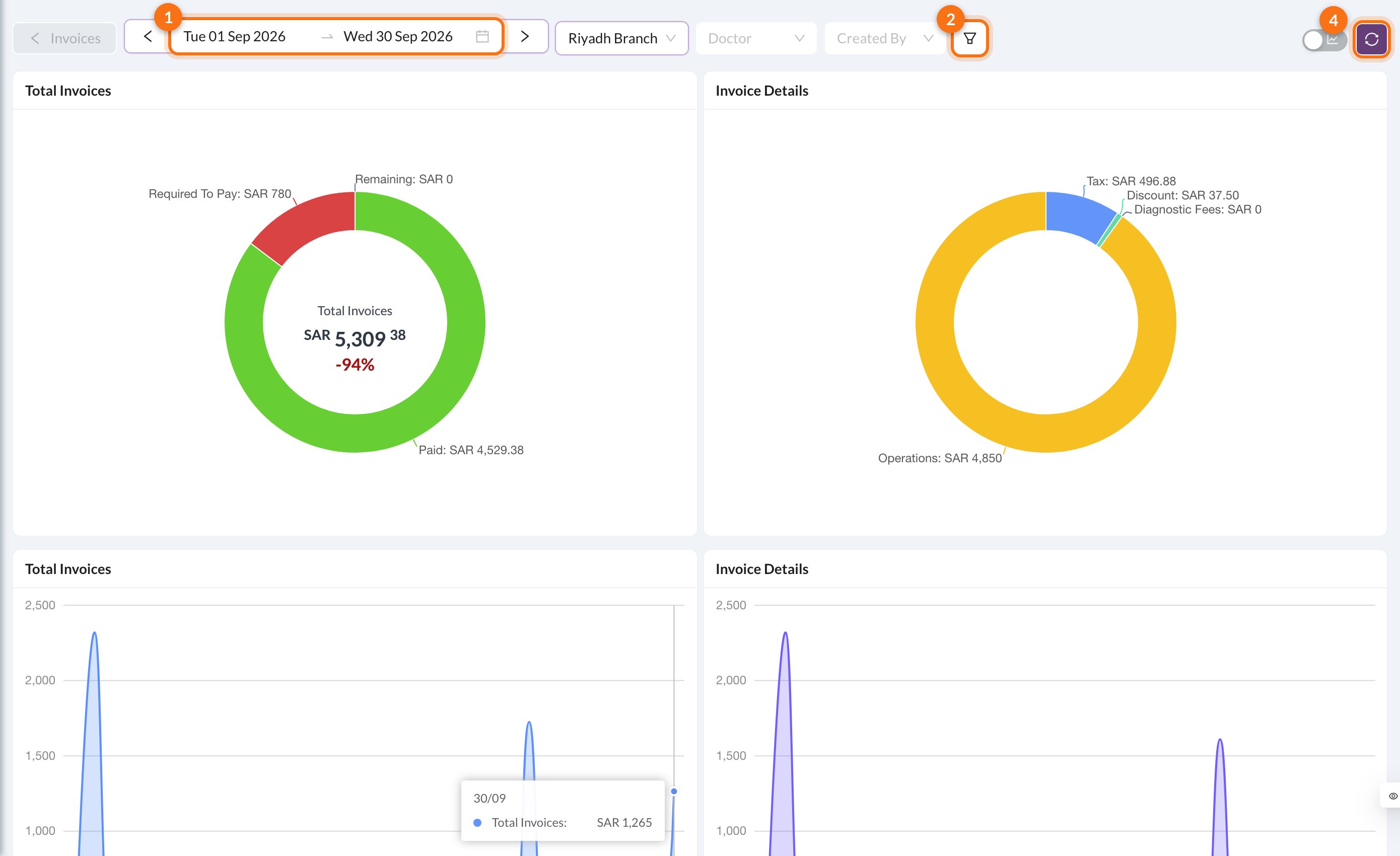
- Date range: the current month by default. Use the arrows to move a period back or forward.
- Filters: more filters, such as status, type, room or insurance. The badge shows how many are on.
- Chart / table: switch between charts and tables.
- Refresh.
📊 Reports