

1
Open the appointment
Click the appointment in the Calendar or on the Dashboard.
2
To cancel: click Canceled
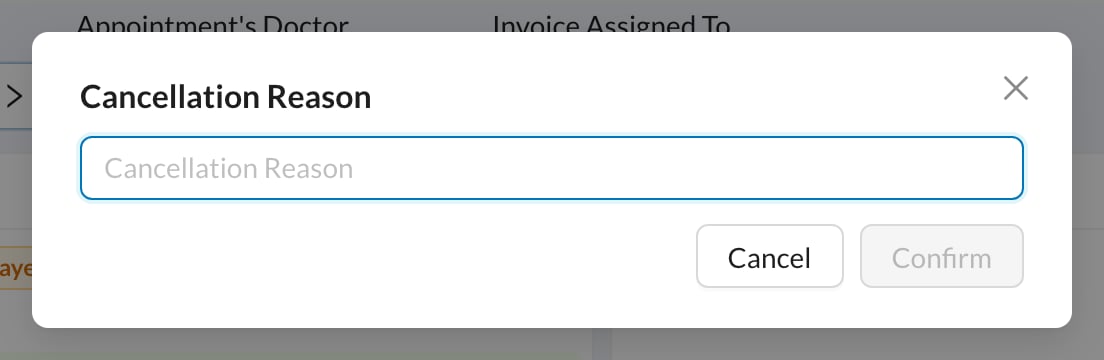
Click the Canceled status at the bottom, enter the Cancellation Reason and click Confirm.
3
To delete: click Edit, then Delete
Click Edit in the appointment menu, then Delete and Yes.
4
Repeated appointment?
When you delete, you’re asked whether to delete the other repeated appointments too. Only future ones are deleted; past ones stay.
If your clinic turned on Force New Appointment With Cancel, canceling opens a new appointment form. The old appointment is canceled when you save the new one.
Still stuck?
Send us a message in System Chat inside Dentolize with a screenshot, and tell us which step didn’t work. Tip: next time, search this site first. Most answers take less than a minute.