

🔄 Change the status
Click the appointment in the Calendar or on the Dashboard, then click the new status at the bottom, for example Checked In when the patient arrives. The change is saved immediately. When you choose Canceled, enter the Cancellation Reason and click Confirm: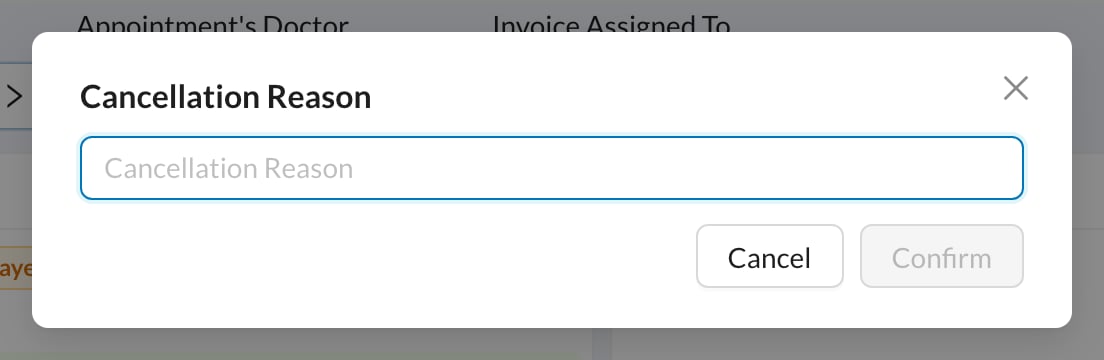
If your clinic turned on Force New Appointment With Cancel, canceling opens a new appointment form: book the new date, and the old appointment is canceled when you save. Re-add any assistants, as they aren’t copied.
✏️ Edit the details
Click Edit in the appointment menu: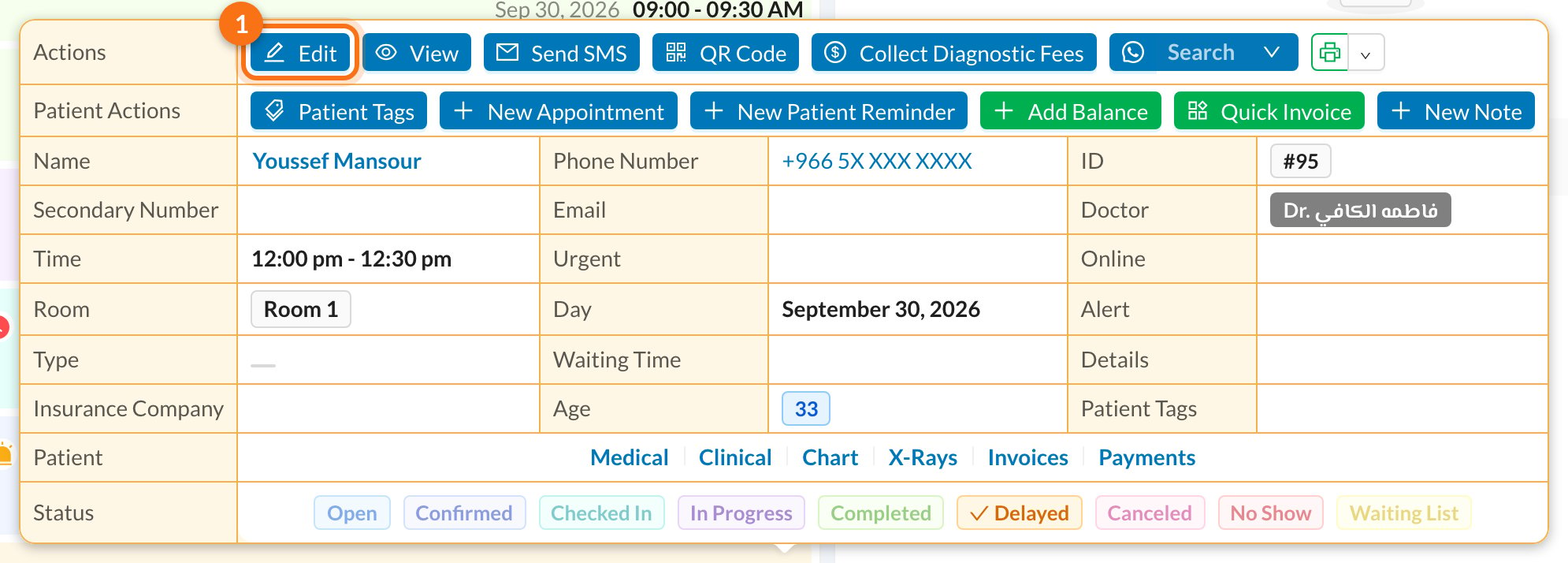
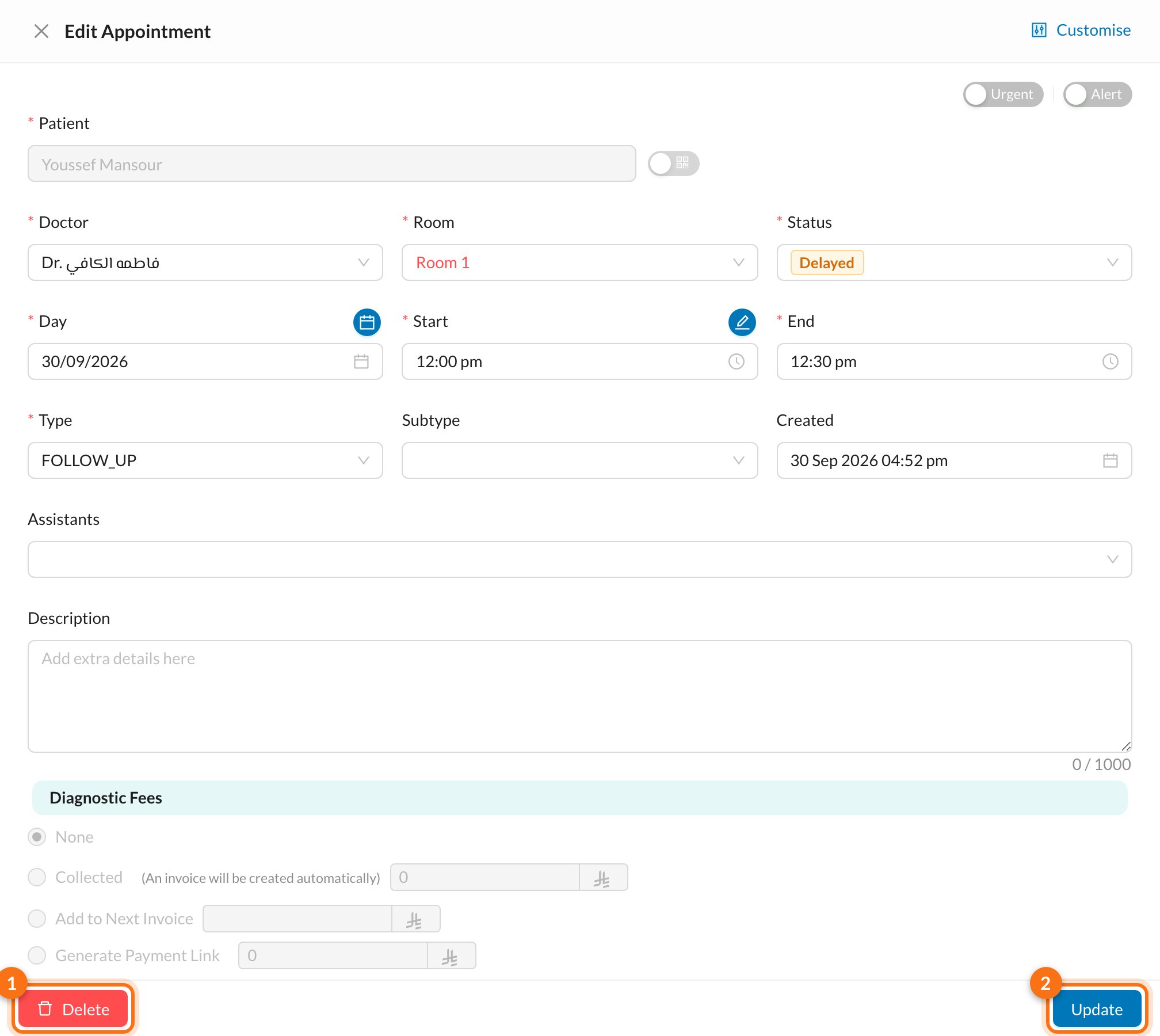
🗑️ Delete an appointment
In the edit form, click Delete (1), then Yes. For a repeated appointment, you’re asked whether to delete the other repeated appointments too. Only future ones are deleted; past ones stay.Editing one appointment of a repeated series changes only that one. To see the others, click View Repeated Appointments.