

1
Count new patients
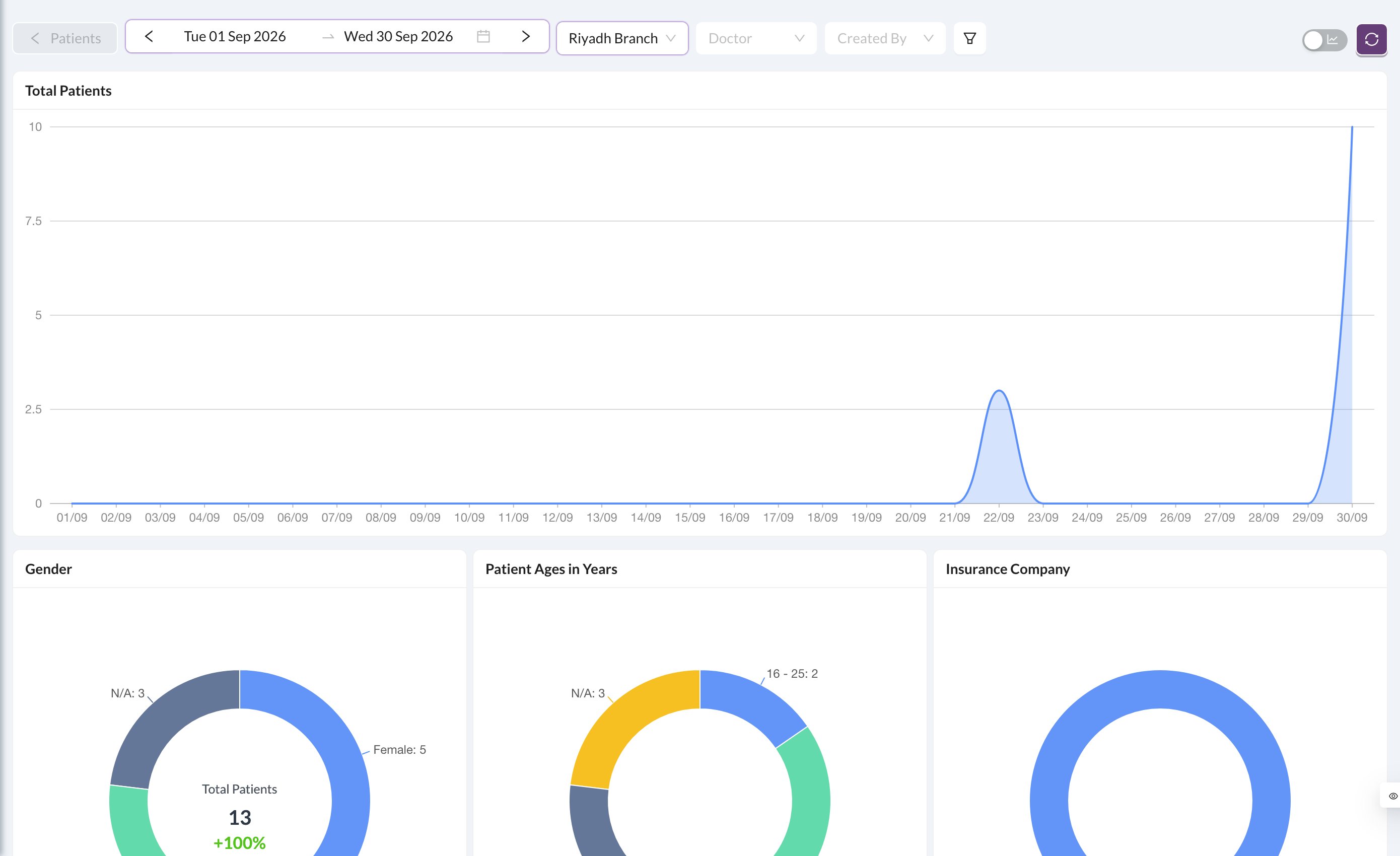
Go to Analytics → Patients, set the Date range and, if needed, the Branch. The new patients chart shows the count.
2
See where they came from
Open Analytics → Referral Statement with the same dates and tick New Customers Only. It shows the totals for each referral source (“How did you hear about us?”).
3
Need the names?
Open Patients from the side menu and filter by dates and referral. Download the list if you need it in Excel.
With New Customers Only, a patient counts only if their first payment was in the chosen dates. The referral source must be filled in on the patient file for this report to be useful.
Still stuck?
Send us a message in System Chat inside Dentolize with a screenshot, and tell us which step didn’t work. Tip: next time, search this site first. Most answers take less than a minute.