

🧮 Journey analytics
Open Settings → Leads → Journey, open a journey and click the Analytics tab. It shows where the leads that started in this journey are now, stage by stage, with their number and total deal size, even if they moved to another journey. Filter by dates, assigned user, tags and referral.⏱️ Stage timeline
Settings → Leads → Stage Timeline lists every move between stages and how long the lead stayed. Show Analytics gives the average, longest and shortest time, and Group By gives totals per user or stage.📋 Group the leads table
In CRM → Leads → All Leads, use Group By to count leads (with deal size and average score) by assigned user, stage, journey, reject reason, referral source or QR link.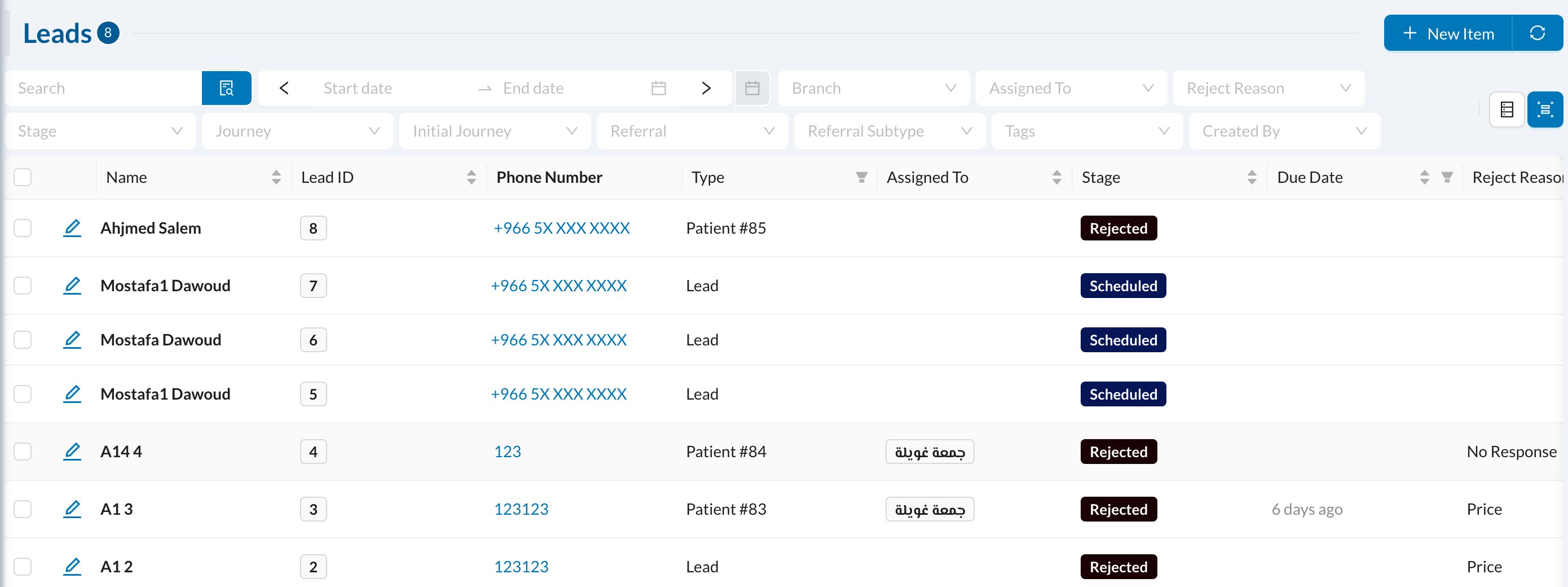
⚡ Quick reports
In Analytics → Quick Reports: Leads by Referral Source, Leads by Assigned To and Rejected Leads by Reason.Viewing lead analytics needs the Leads analytics permission. Users who can only see their own leads see only the leads assigned to them.