

1
Open the item
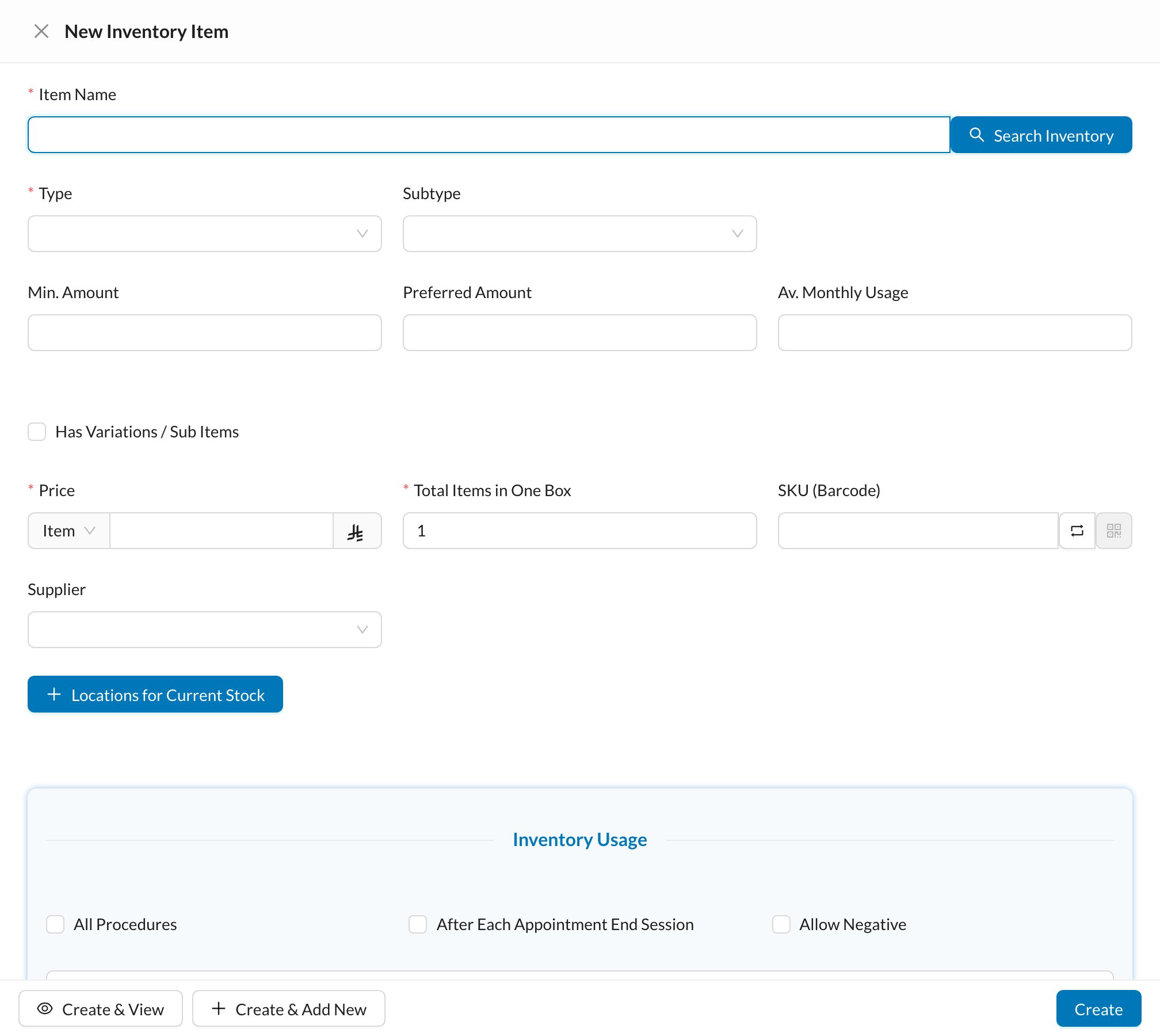
Go to Inventory → Items, open the item and click Edit Item. Scroll to Inventory Usage.
2
Add the procedure
Click Add Procedure, choose the procedure and the Amount used in single procedure. Choose After Procedure or After Procedure Steps. Click Update.
3
Complete the treatment
When the treatment is marked Completed on the chart, the Usage form opens with the item and amount.
4
Save as Completed
Check the amount and the From storage, set Status to Completed and click Create.
Still stuck?
Send us a message in System Chat inside Dentolize with a screenshot, and tell us which step didn’t work. Tip: next time, search this site first. Most answers take less than a minute.