

🔔 When the Usage form appears
When a treatment is marked Completed, and its procedure uses inventory items, the Usage form opens with the items and amounts filled in. You can also open it from the chart: + → Inventory Usage.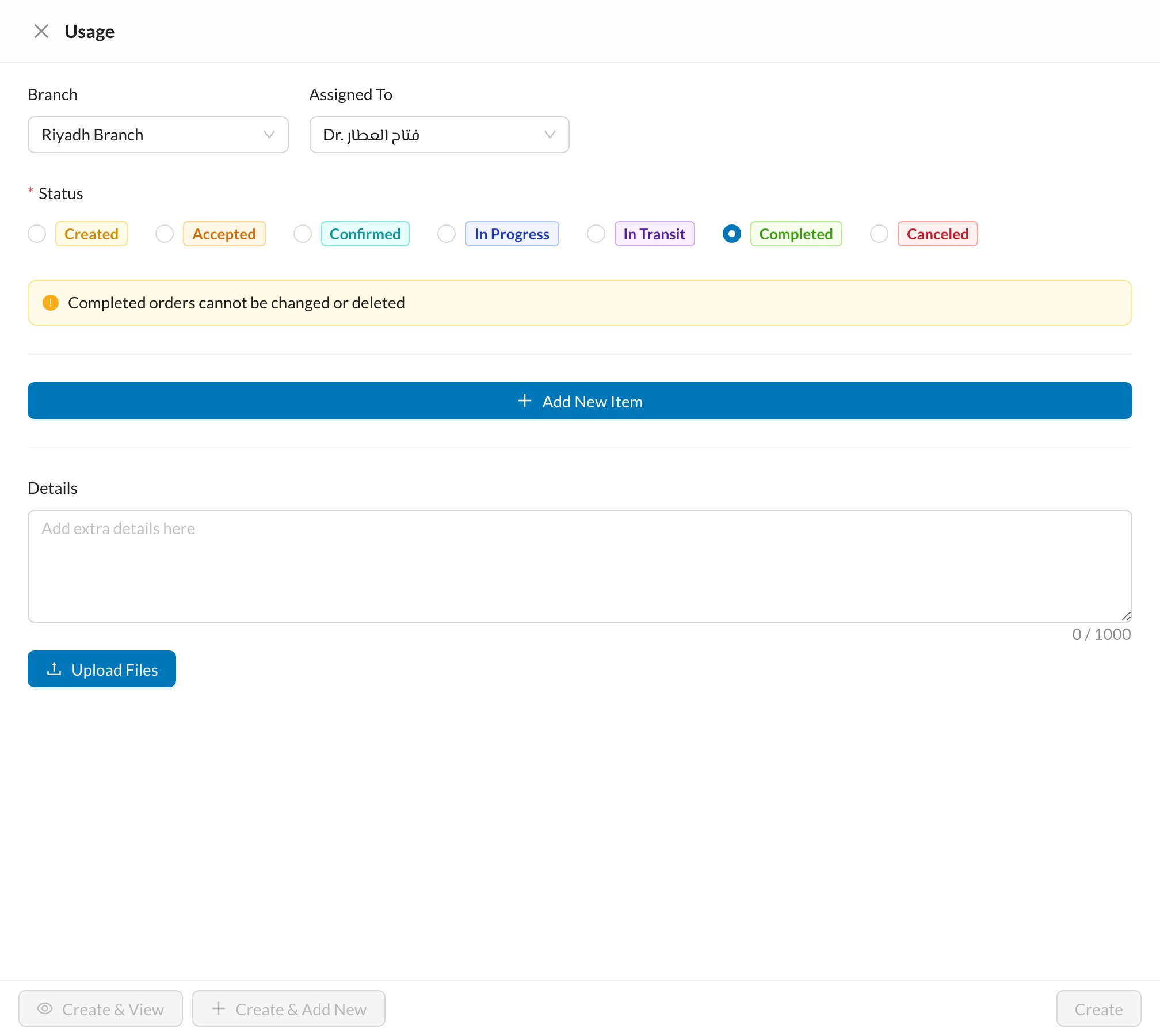
📝 Fill in the usage
- Status: choose Completed to deduct the items from stock now.
- For each item: the Amount and unit (Item or Box), the storage it comes From, and the linked treatment. Apply to All copies the first row’s choice to the others.
- Add New Item for items that weren’t listed, and Show Available Stock to see what’s left.
Choosing Box multiplies the amount by the number of items in a box. Moving a completed treatment back and completing it again opens the form again, so check you don’t record the same materials twice.