

Link an item to the procedures that use it, and Dentolize suggests the materials to deduct each time a treatment is completed.
Open the item (Inventory → Items), click Edit Item, and scroll to Inventory Usage:
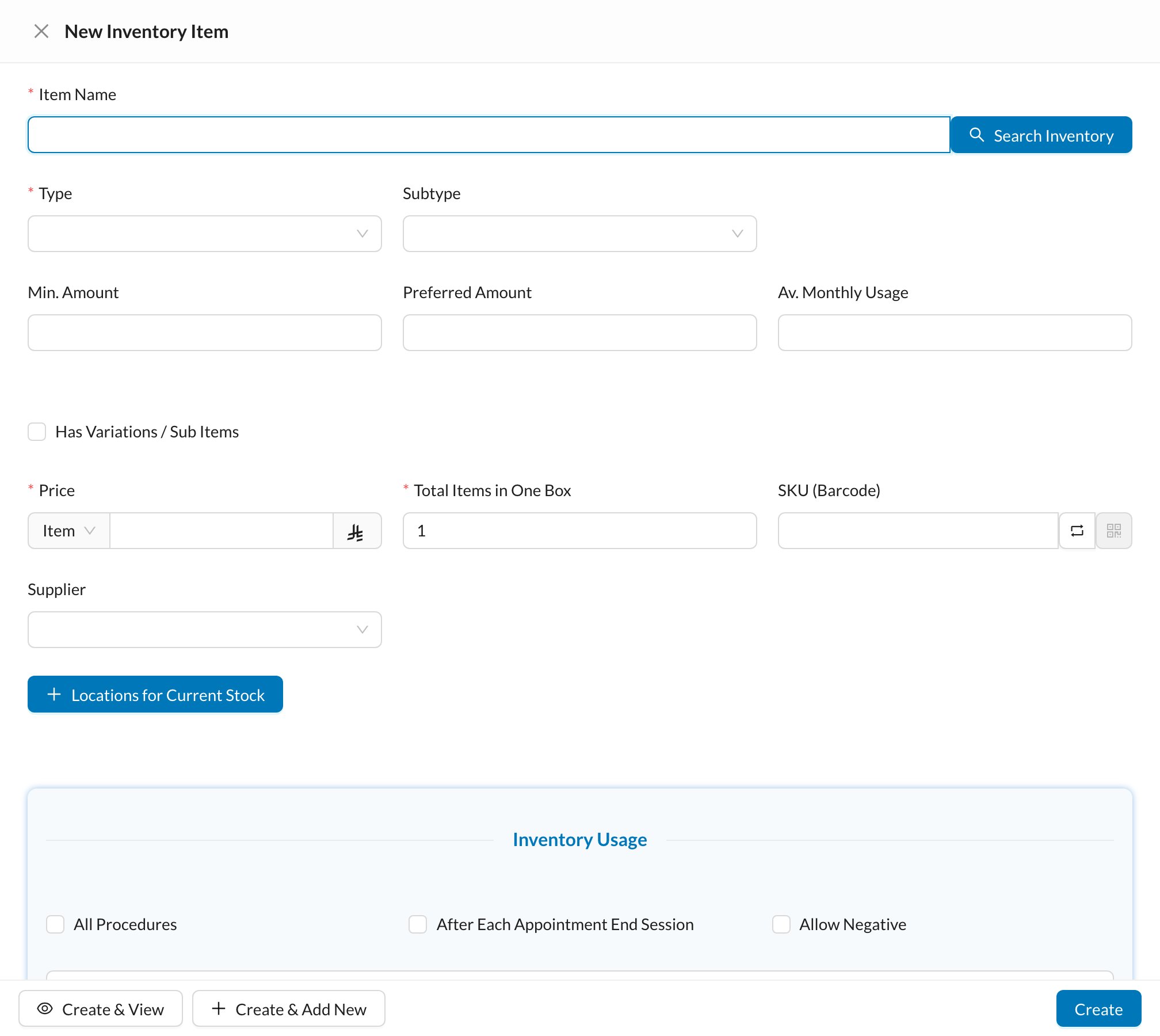
- Add Procedure: choose a procedure and the Amount used in single procedure. Choose After Procedure (when the treatment is completed) or After Procedure Steps (when a step is completed).
- All Procedures: used in every treatment, for example gloves.
- After Each Appointment End Session: used once per visit, for the chosen Appointment Types, when the session is ended.
- Allow Negative: allow usage even when the storage shows no stock left.
✅ What happens after a treatment
When a linked treatment is completed, the Usage form opens with the item and amount (amount × quantity of the treatment). Check it and save it as Completed to deduct the stock. See Recording inventory usage.Amounts are counted in single items of the item’s Default Variation. Nothing is deducted until the Usage form is saved.