

1
Open Account Settings
Click the user icon at the top right of the page, then Account Settings.
2
To change your password
In the Security tab, click Update Password. Enter your Current Password and the New Password, then click Update.
3
To change the language
In the Main tab, choose the Language, then click Update at the bottom.
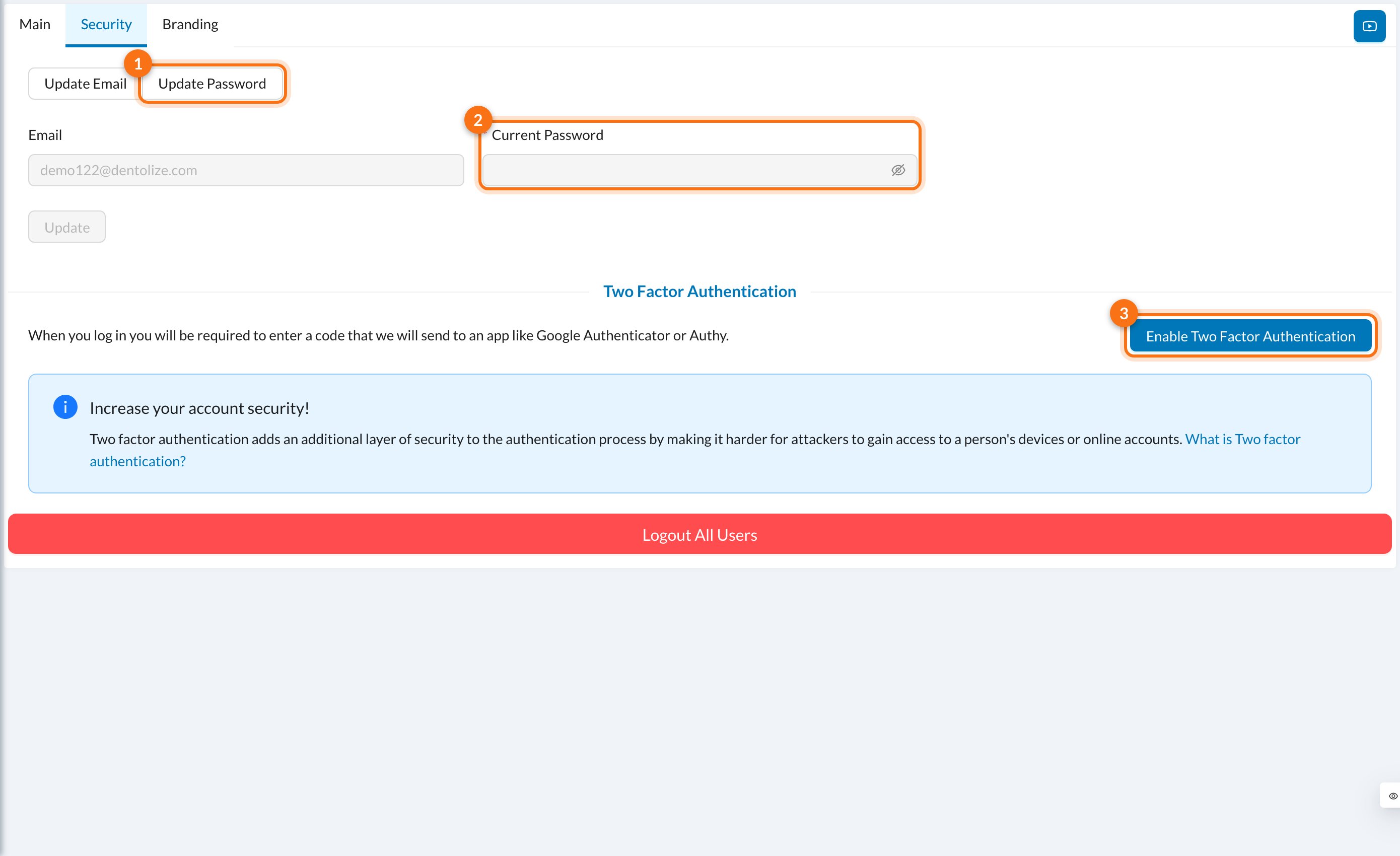
The new password needs at least 8 characters, with an uppercase letter, a lowercase letter, a number and a special character. You’re then logged out on all your other devices.
Still stuck?
Send us a message in System Chat inside Dentolize with a screenshot, and tell us which step didn’t work. Tip: next time, search this site first. Most answers take less than a minute.