

1
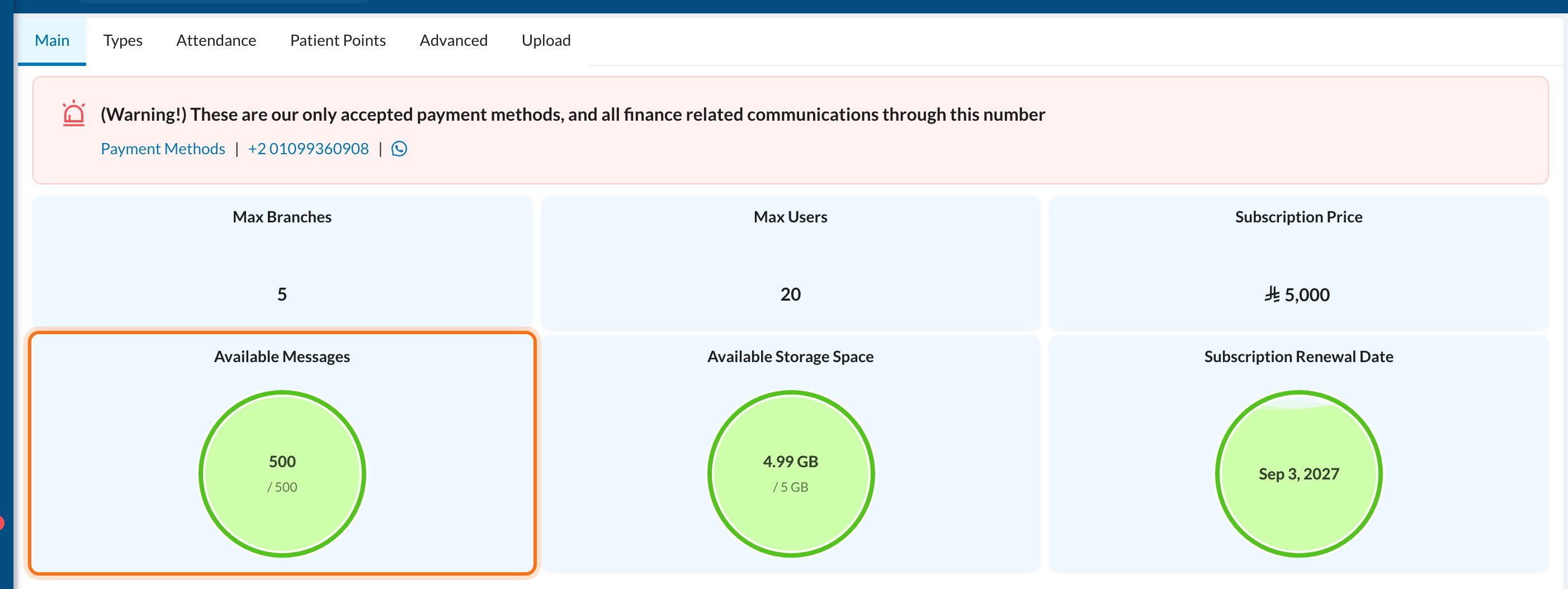
Check your balance
Go to Settings → Clinic → Main. The Available Messages card shows how many messages are left. A red alert appears when fewer than 100 are left.
2
Buy more
Ask the Dentolize team in System Chat. Tell them your clinic name and how many messages you need, and they’ll explain the options and how to pay.
3
Ask for your clinic name as sender
Ask the team in System Chat to register your clinic’s name as the sender. They’ll tell you which documents your country requires. Registration can take some time, depending on your country’s rules.
Still stuck?
Send us a message in System Chat inside Dentolize with a screenshot, and tell us which step didn’t work. Tip: next time, search this site first. Most answers take less than a minute.