

1
Open the patient
Search for the patient at the top of the page and open their profile.
2
Upload an X-ray
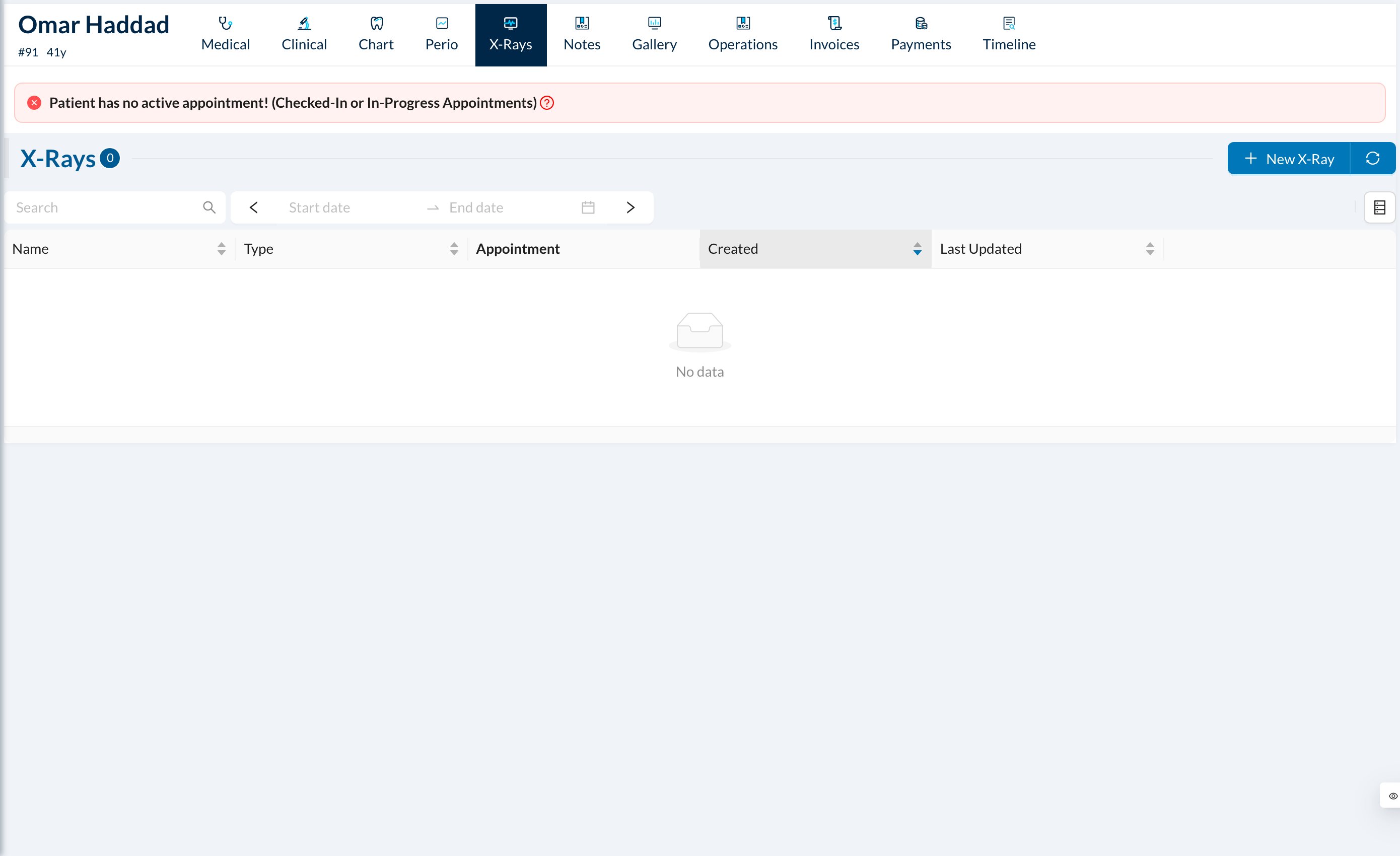
Open the X-Rays tab, click New X-Ray and choose a layout or Free Form. Drag an image into each box, enter a Name and click Save.
3
Upload photos or old paper files
Open the Gallery tab, click New Folder to create a folder, then Upload Files (or drag the files in).
4
For one tooth or treatment
On the chart, open the treatment’s menu and click New X-Ray or Upload Image.
Files use your clinic’s storage space (Settings → Clinic → Main). Can’t see the upload buttons? Ask the owner to give your group Add New on the X-Rays and Files rows. See Give a user a missing permission.
Still stuck?
Send us a message in System Chat inside Dentolize with a screenshot, and tell us which step didn’t work. Tip: next time, search this site first. Most answers take less than a minute.