

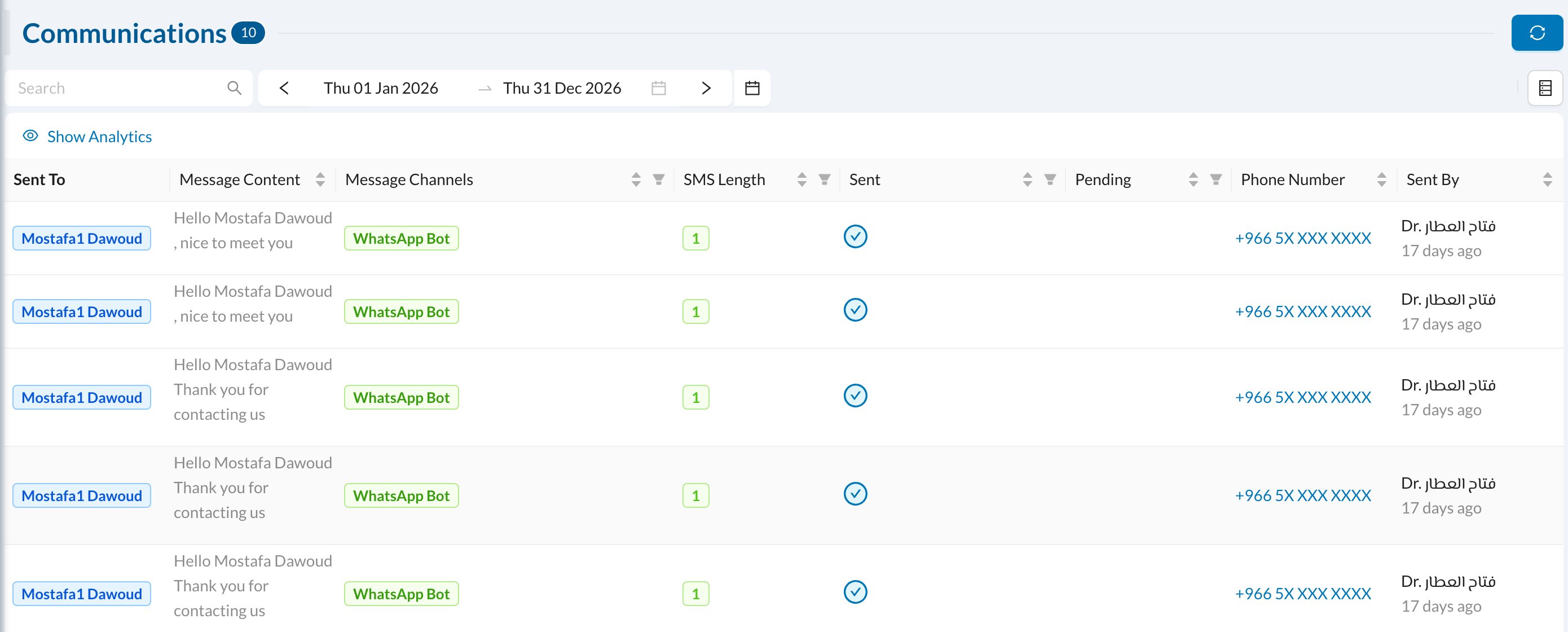
- Search by patient or user name, and filter by channel or date.
- Resend a message that failed.
- Cancel a pending (scheduled) message before it goes out, for example a reminder for an appointment that was moved.
See every SMS and WhatsApp message sent to patients, resend failed ones and cancel pending ones.