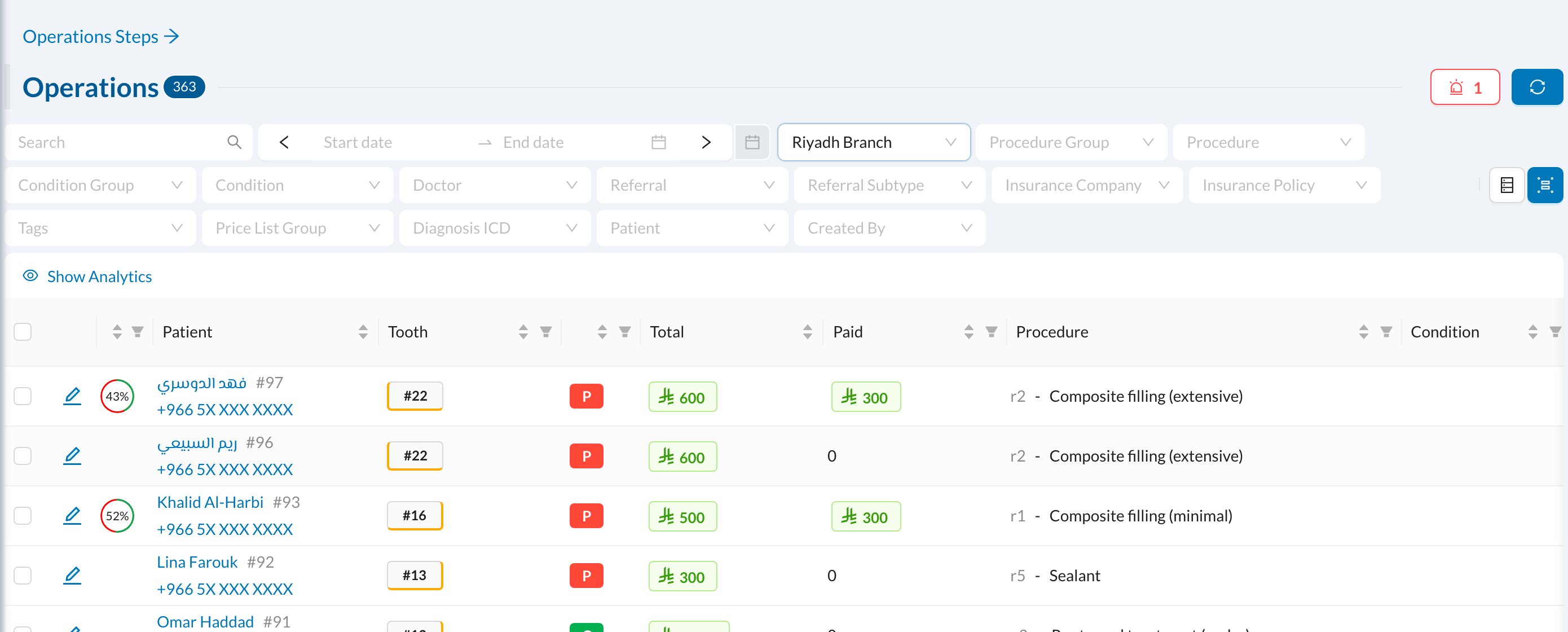
🔎 Using a log
Every log works the same way: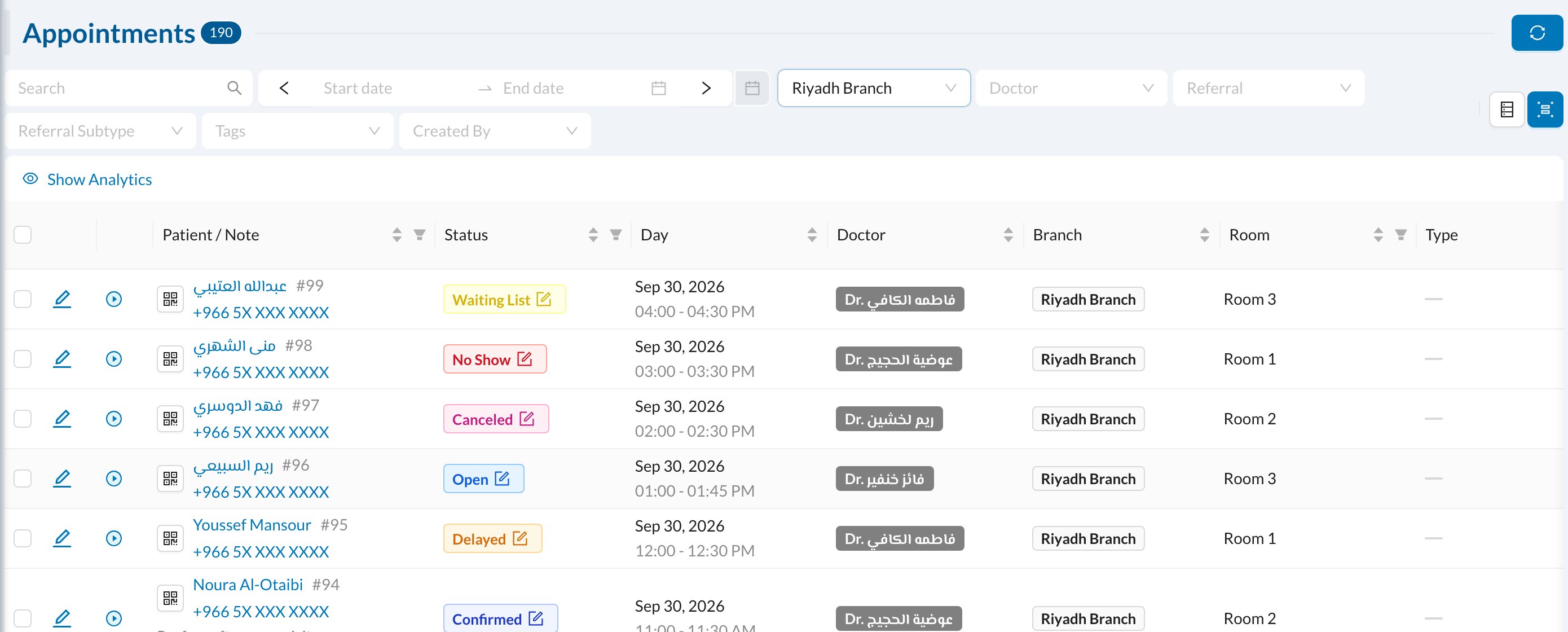
- Search and a date range at the top, plus filters such as branch, doctor, user or tags.
- Click a column title to sort, or its filter icon to filter by it.
- Show Analytics shows totals for what’s listed.
- Click a row to open it. The download button at the bottom exports the list.
📚 What each log lists
The Operations log is the most detailed view of treatments: