

An encounter records a visit: the chief complaint, symptoms, diagnosis, notes, tests and measurements such as blood pressure, temperature or weight.
In the patient’s Chart, click + → Encounter, or open the patient’s Encounters tab.
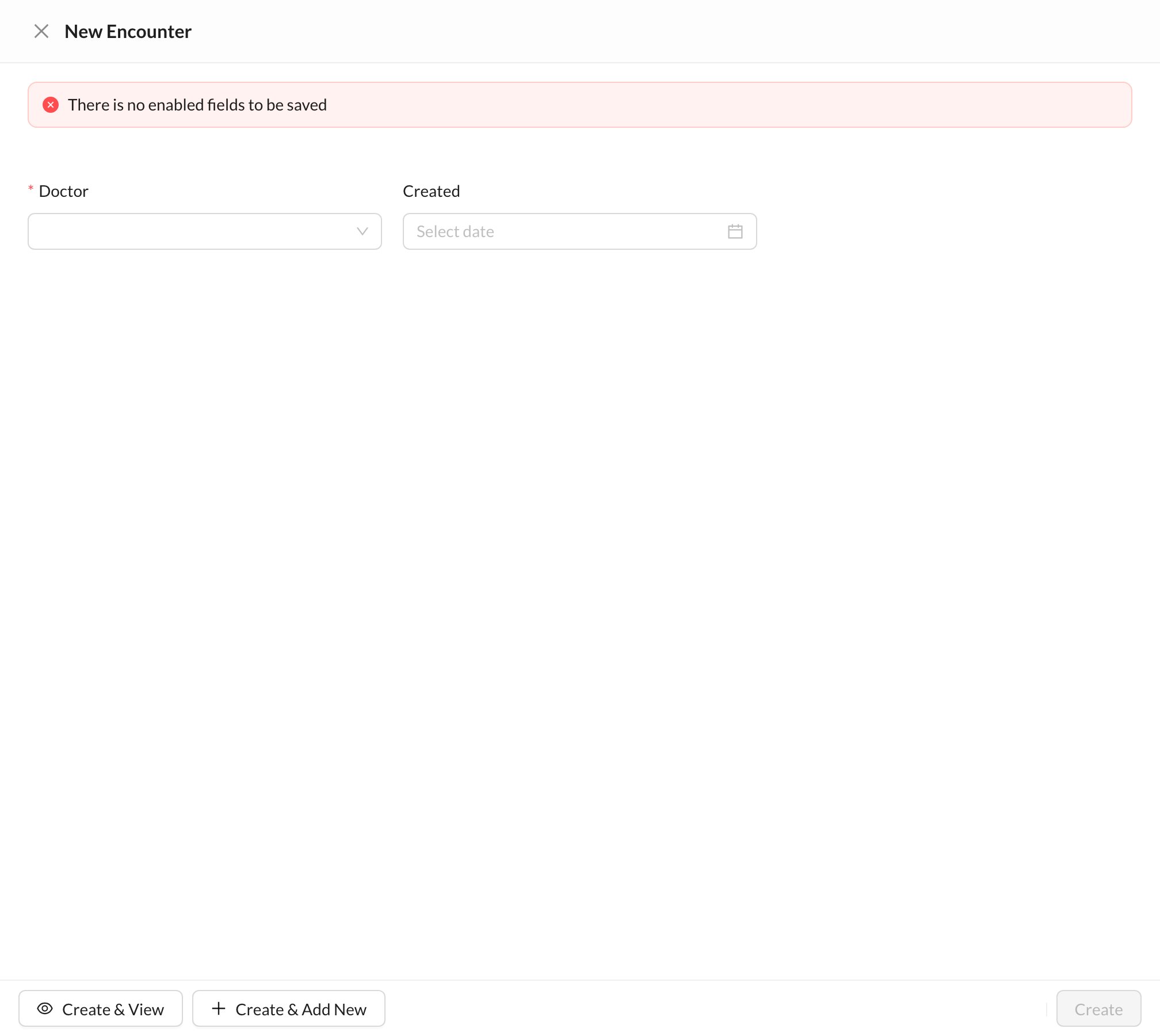
The encounter only shows the fields your clinic enabled. If you see There is no enabled fields to be saved, ask the owner or an admin to enable fields in Settings → Questionnaires → Encounter Settings, where they also choose which fields are required and printed.