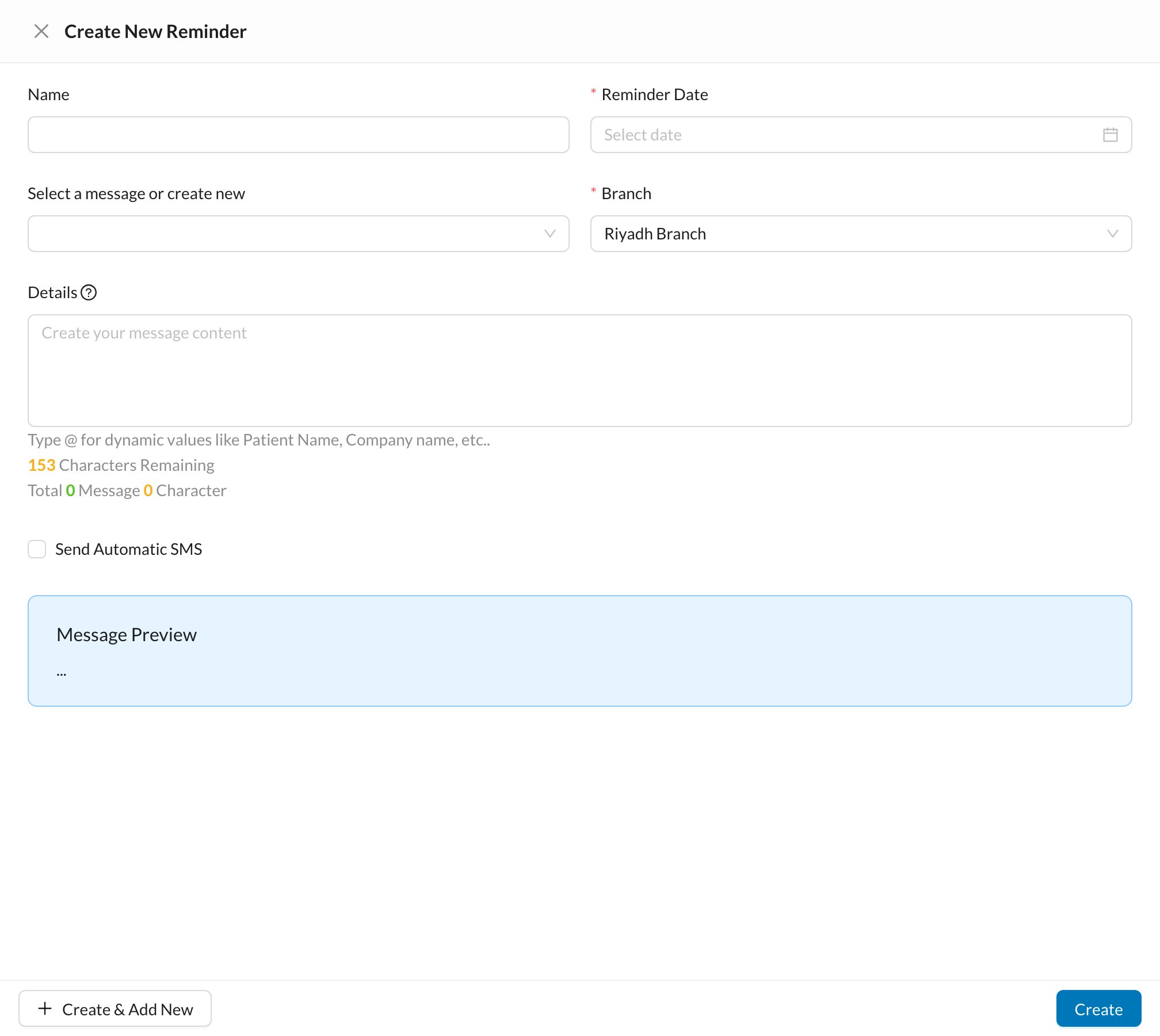
Create a follow-up reminder for the patient from the chart, or have reminders created automatically after treatments.
In the patient’s Chart, click + → New Patient Reminder. The reminder is linked to the treatment selected in the chart.Enter a Name, the Reminder Date and the Branch, and choose a template or type the message. Tick Send Automatic SMS to send it to the patient automatically (at a future hour), then click Create.
Reminders can be created automatically when a treatment is completed, for example a check-up 6 months after a cleaning. Set them up in Settings → Templates → Patient Reminders.
Reception follows up reminders in the Reminders list. See Patient Reminders.