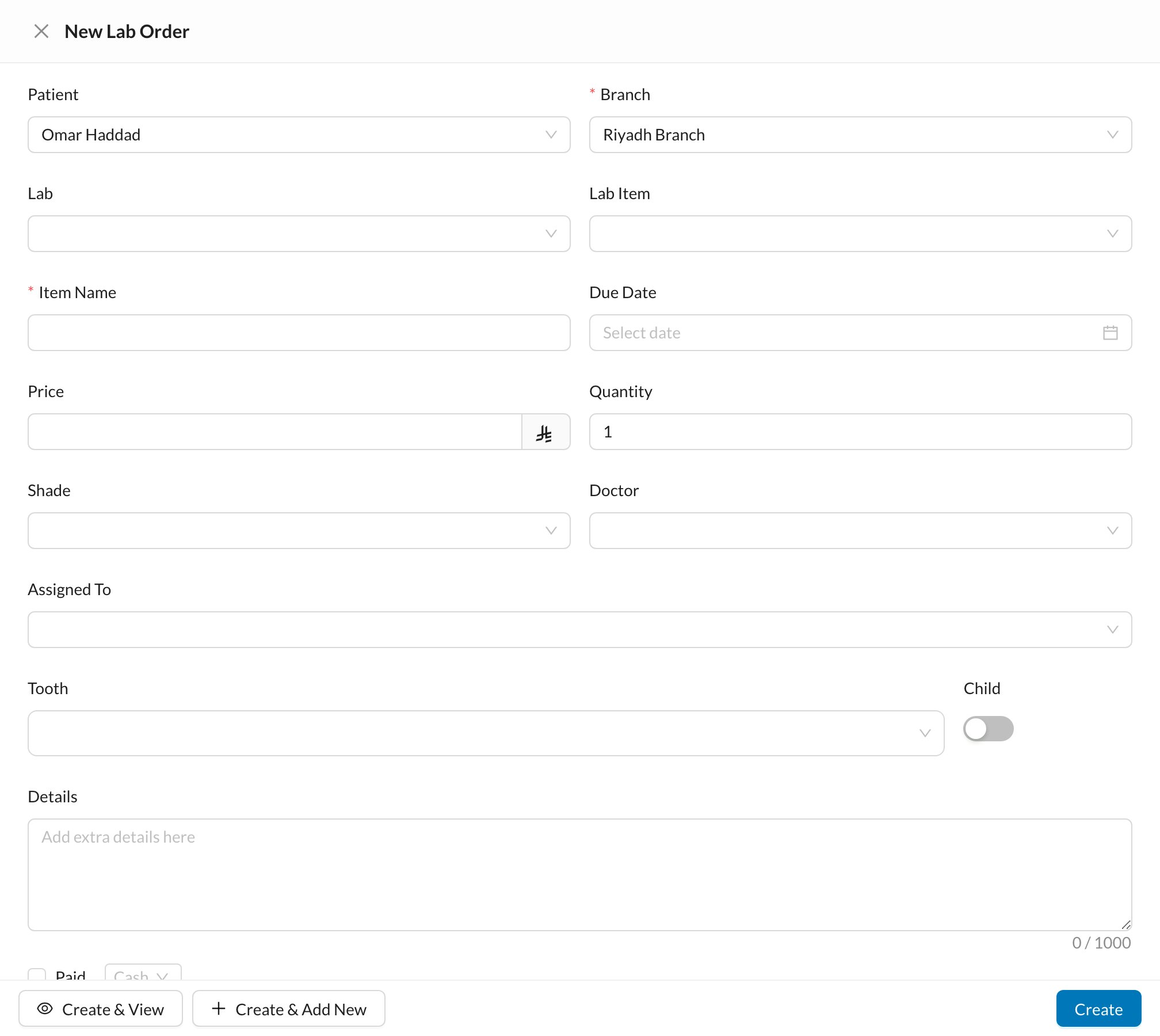
Send a lab order for the patient from the chart, with the teeth, shade and due date.
In the patient’s Chart, select the teeth or treatment, then click + → Lab Order.Choose the Lab and Lab Item (this fills in the name and price), then check the Tooth, Shade, Due Date, Doctor and Details. Keep Add to Expenses ticked to record the cost, then click Create.See Dental Lab Orders to follow the order until it’s received and delivered.
A procedure can open a lab order automatically when it’s started or completed (Settings → Procedures and Prices).