

➕ Create a consent form
In the patient’s Chart, click + → Patient Form. The treatments selected in the chart are linked to the form.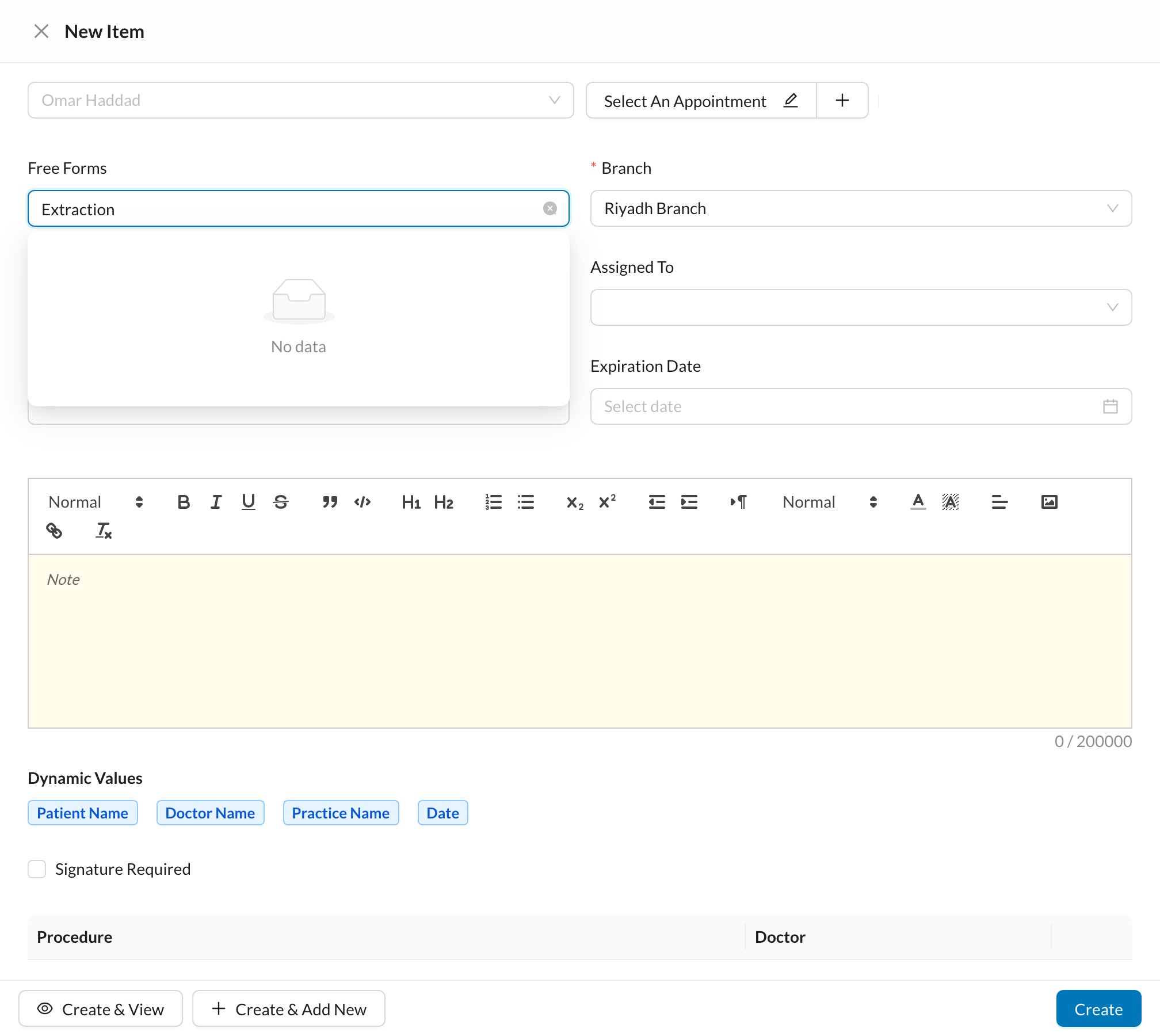
- Choose the form in Free Forms. Its text, name and signature settings are filled in.
- Check the Doctor, Branch and Expiration Date.
- Edit the text if needed. Dynamic Values insert the patient’s name, doctor’s name, procedures and date.
- Tick Signature Required if the patient must sign.
- Click Create, or Create & View to sign it now.