

Open the patient and click the Timeline tab.
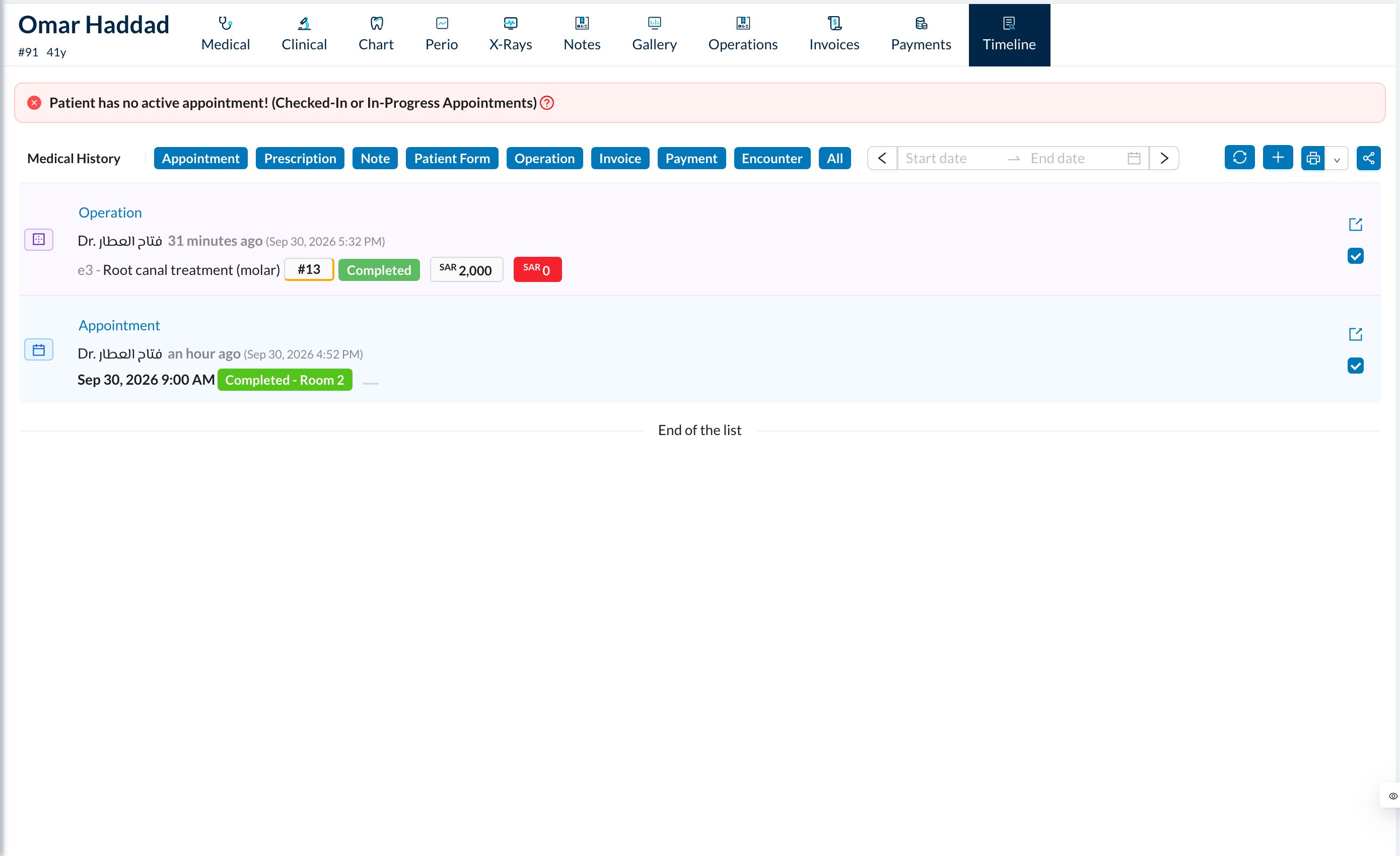
- Use the colored buttons at the top to show only some types, and the dates to limit the period.
- Medical History adds the patient’s medical history to the view and printout.
- Untick an item to leave it out of the printout.
- Print prints the timeline with totals of treatments, invoices and payments.
- Share creates a QR code and link (for a limited time) to send the timeline to the patient or another doctor.
The timeline loads 20 items at a time. Scroll to the end before printing to include everything. Sharing includes up to 100 items.