

Open the patient and click the Medical tab.
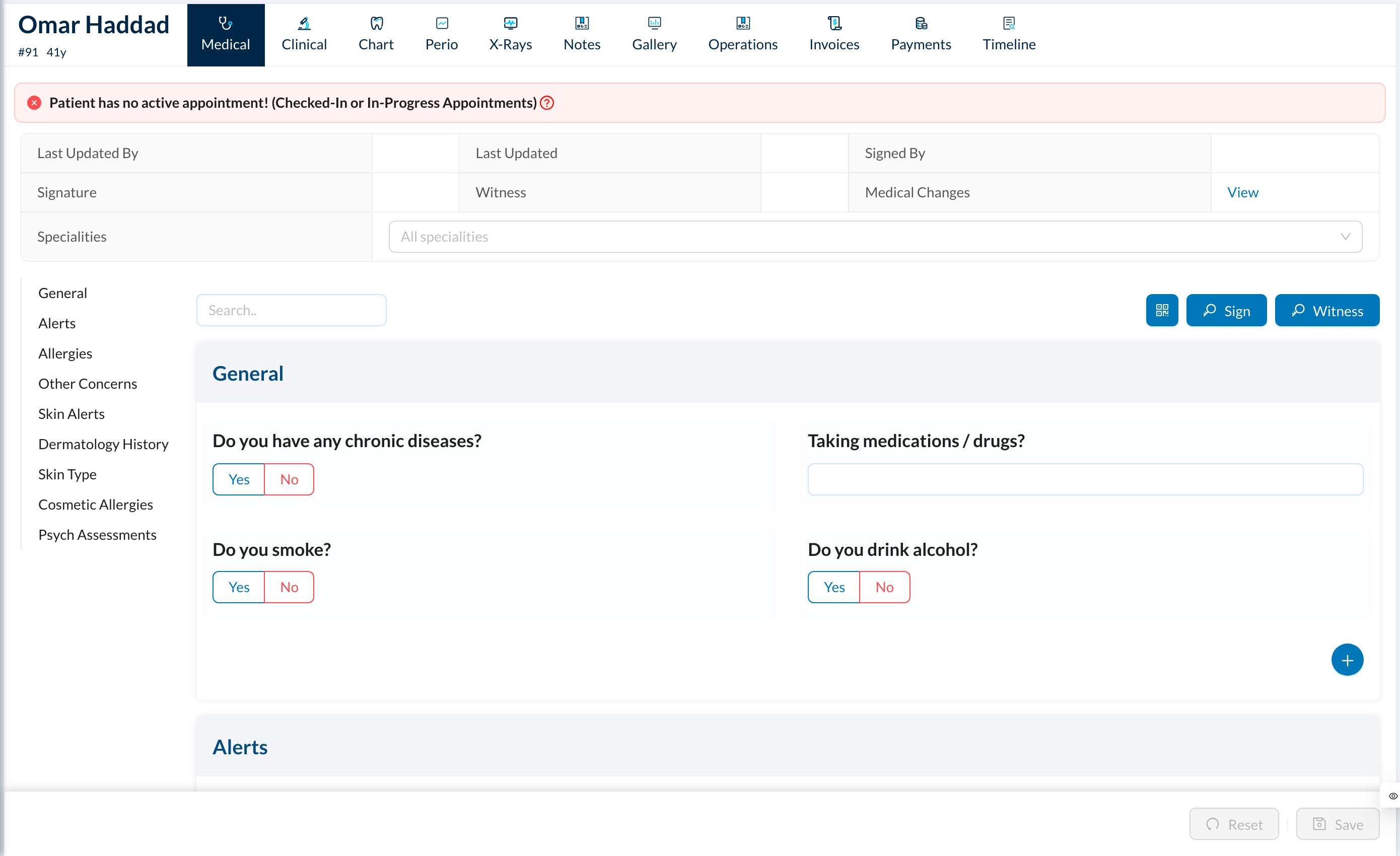
✏️ Fill in the medical history
Answer the questions in each section: Yes / No (add details when Yes), lists, text and so on. Use the list on the left or the search box to jump to a section, then click Save at the bottom. Click Medical Changes → View at the top to see every change and who made it.⚠️ Medical alerts
Sections set to show alerts (for example allergies or chronic diseases) turn the patient’s Medical tab icon red when an answer is given. A red ! also appears on the patient’s appointments in the Calendar and Dashboard. Hover over it to see the alerts.In an alert section, any answer triggers the alert, except No, an empty answer, or the text “Normal”.