

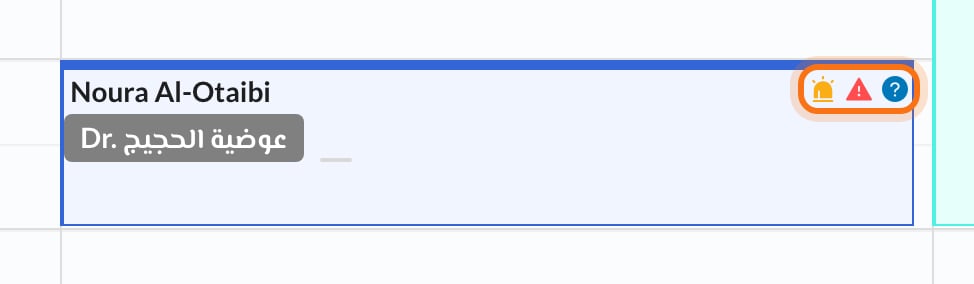
Each appointment’s color shows its status, and small icons in the corner give you important information at a glance, on the Calendar and on the Dashboard.
🎨 Status colors
🔣 Icons
Other buttons may appear on an appointment:
- Pending Patient Details: booked with a QR code; the patient hasn’t filled in their details yet.
- Confirm Pending Appointment: booked online; click to confirm it.
- Join Call (Dashboard): join an online appointment.
Some icons may only update after you refresh the page.