

A patient reminder is a follow-up for a patient, for example a check-up 6 months after a cleaning. Dentolize can send it automatically by SMS or WhatsApp, or list it for your team to call.
🤖 Automatic reminders after a treatment
Set up reminder templates in Settings → Templates → Patient Reminders:- Remind After Completed With: how long after the treatment, for example 6 Months.
- After Procedure or After Procedure Steps: the treatments that trigger it.
- Send Automatic SMS: send the reminder automatically, at the time you choose, with the message and channels you set.
➕ Add a reminder manually
Click New Patient Reminder in an appointment’s Patient Actions, or on the patient’s profile: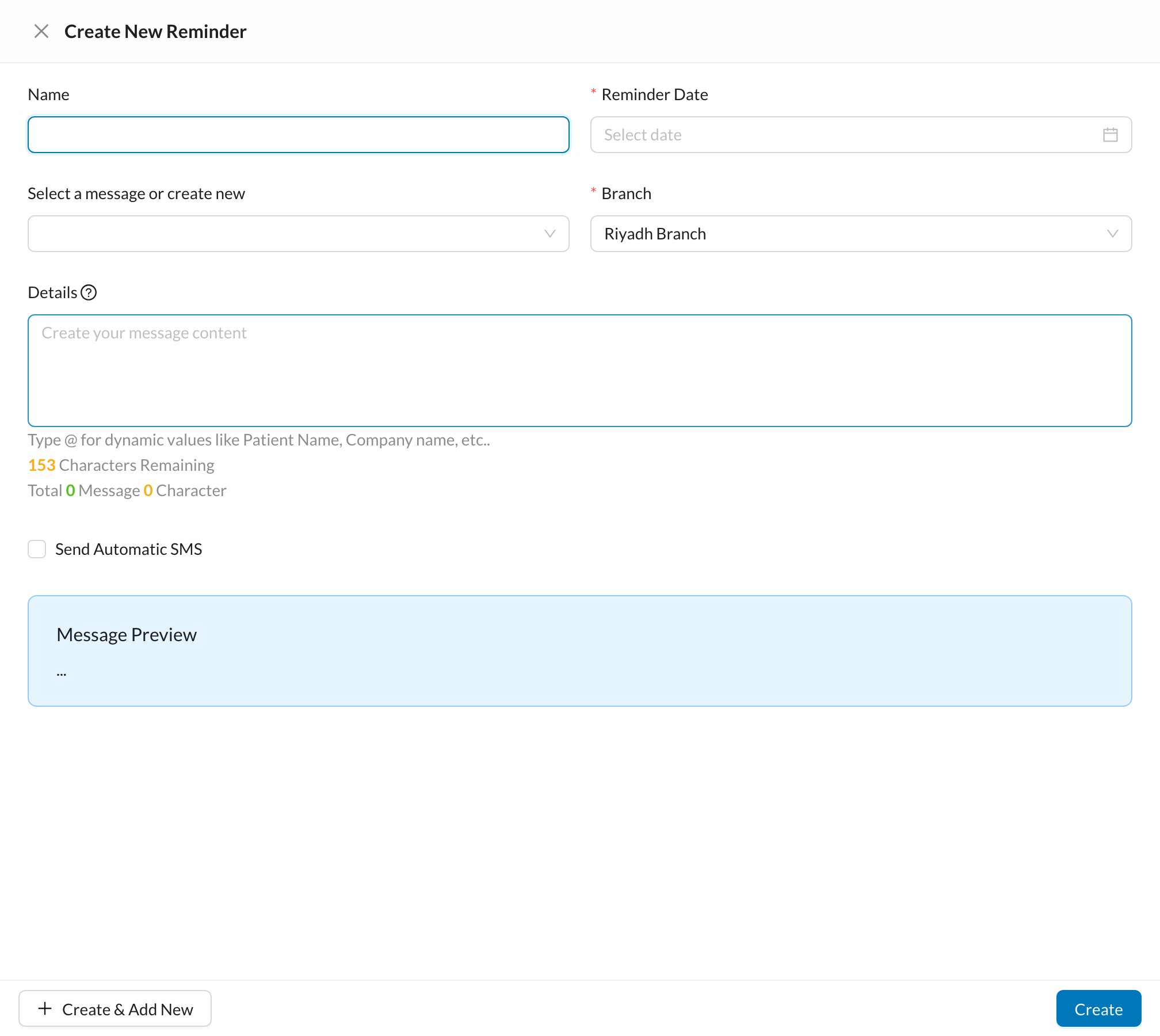
📋 Follow up reminders
Open Reminders from the side menu (under CRM if your clinic uses it):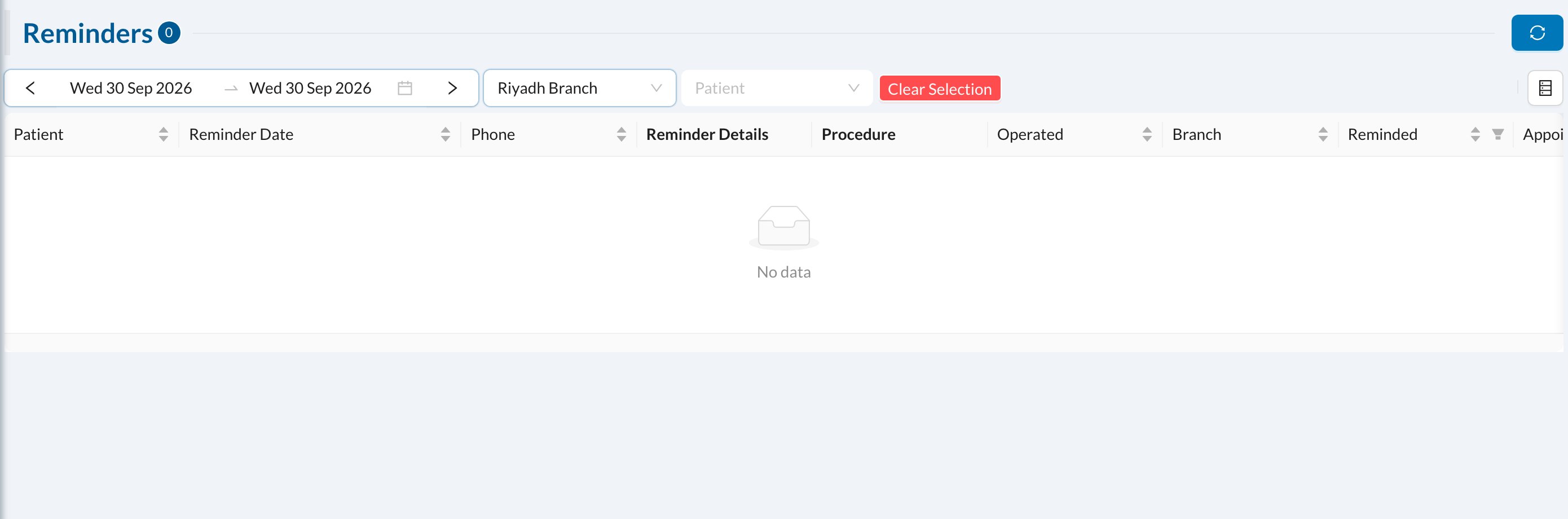
- Mark Reminded once you’ve contacted the patient.
- Send SMS, or open WhatsApp with the message ready.