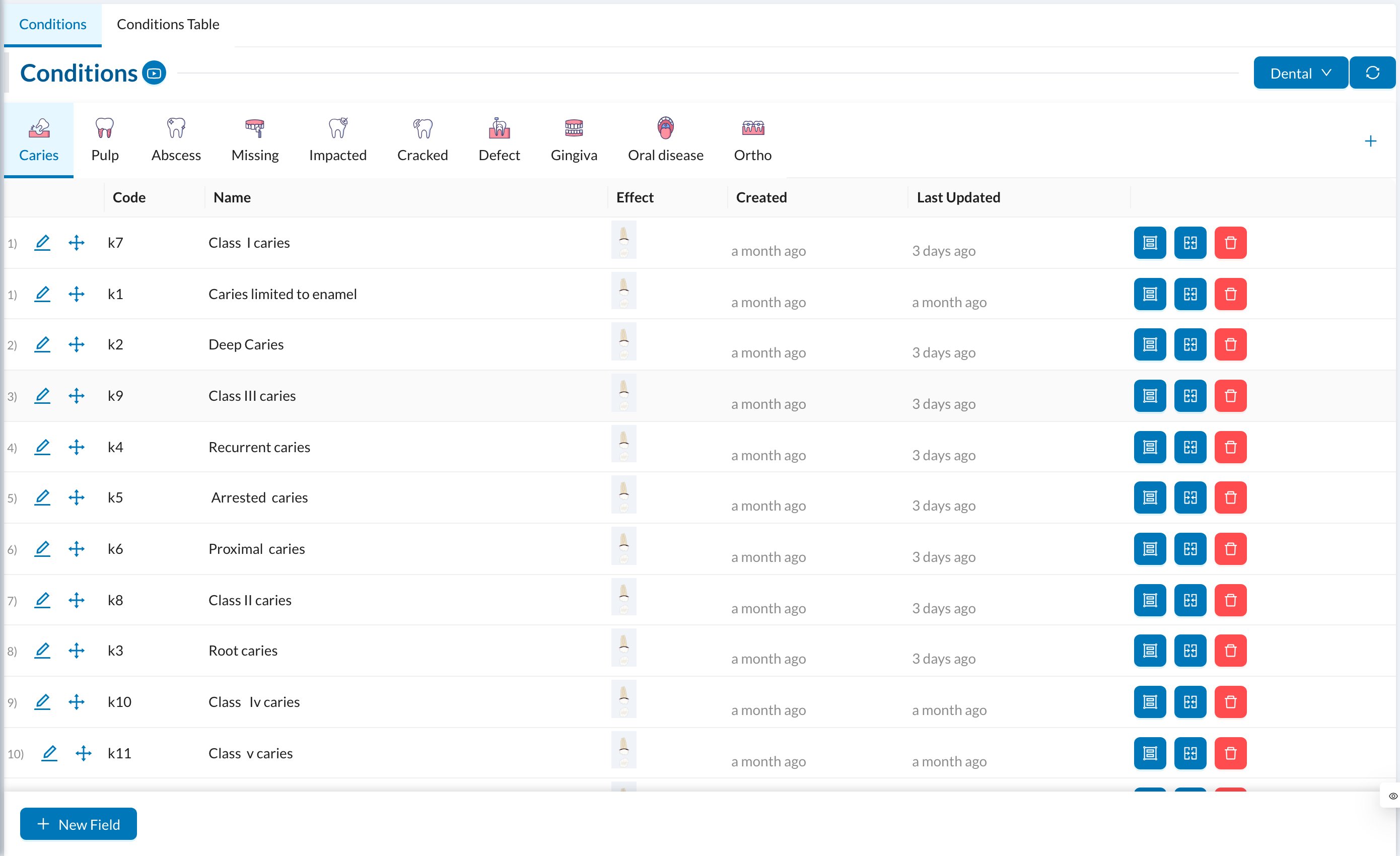
Go to Settings → Conditions. Conditions settings Conditions are diagnoses recorded on the chart without a price, such as caries, abscess or a missing tooth. They’re organized in groups (Caries, Pulp, Abscess…).
  • Group: Group Name, Group Code, an image, and Active.
  • Condition: click New Field in a group: Name, Code, Order, Effect (how it appears on the tooth) and Active.
The Conditions Table tab lists them all for quick editing. If your clinic has several specialties, each has its own conditions. In the patient’s chart, switch to Conditions to record them. Doctors can also search the international ICD list there.