

Go to Settings → Procedures and Prices.
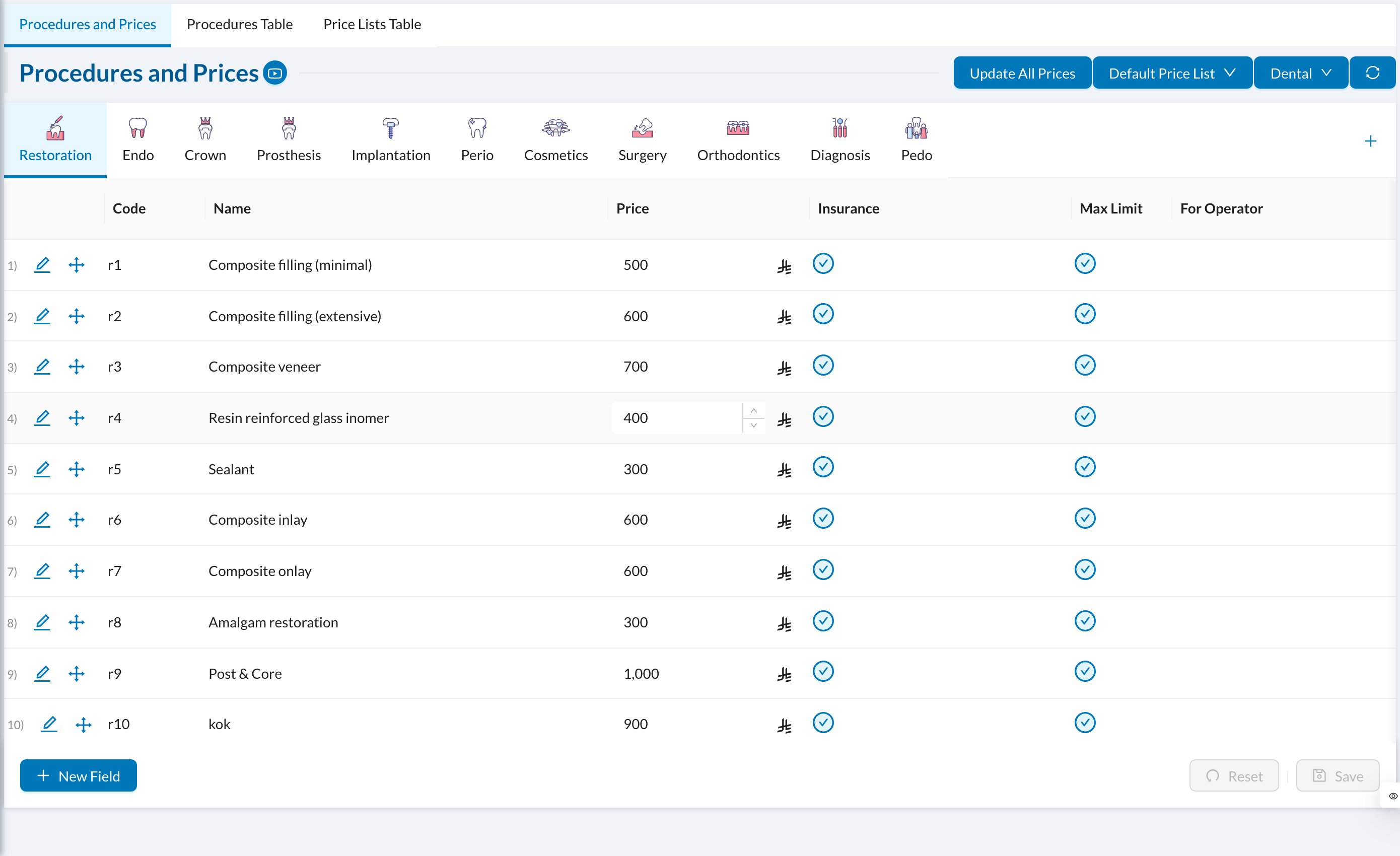
➕ Add or edit a procedure
Click New Field at the bottom of a group, or the pencil on a procedure:- Name, Code (filled in automatically if empty) and Order.
- Effect: how the procedure appears on the tooth chart, and Permanent / Deciduous for adult or child teeth.
- Price (required) and Cost.
- For Operator: the doctor’s share, as an amount or %. Deducted from Operator: costs taken from the doctor’s share, such as lab fees.
- Is Subject To Insurance and Tax Applied.
- Create Automatic Lab Order, Create Automatic Prescription and Create Automatic Form: created when the treatment is started or completed. Open Lab After Procedure opens a lab order form instead.
- Pulses / Sessions: for packages, such as laser sessions, with an optional Require Counter and expiry.
- Active.
💲 Price lists
Use price lists for different prices, for example for an insurance company or a patient group. Open the Default Price List menu → New Price List:- Copy From the default prices or another list, and Override price with a Percentage or a Fixed Amount.
- Always keep in sync?: keep following the list it was copied from.
- Available in branches.