Go to Settings → Questionnaires.

⭐ Feedback Settings
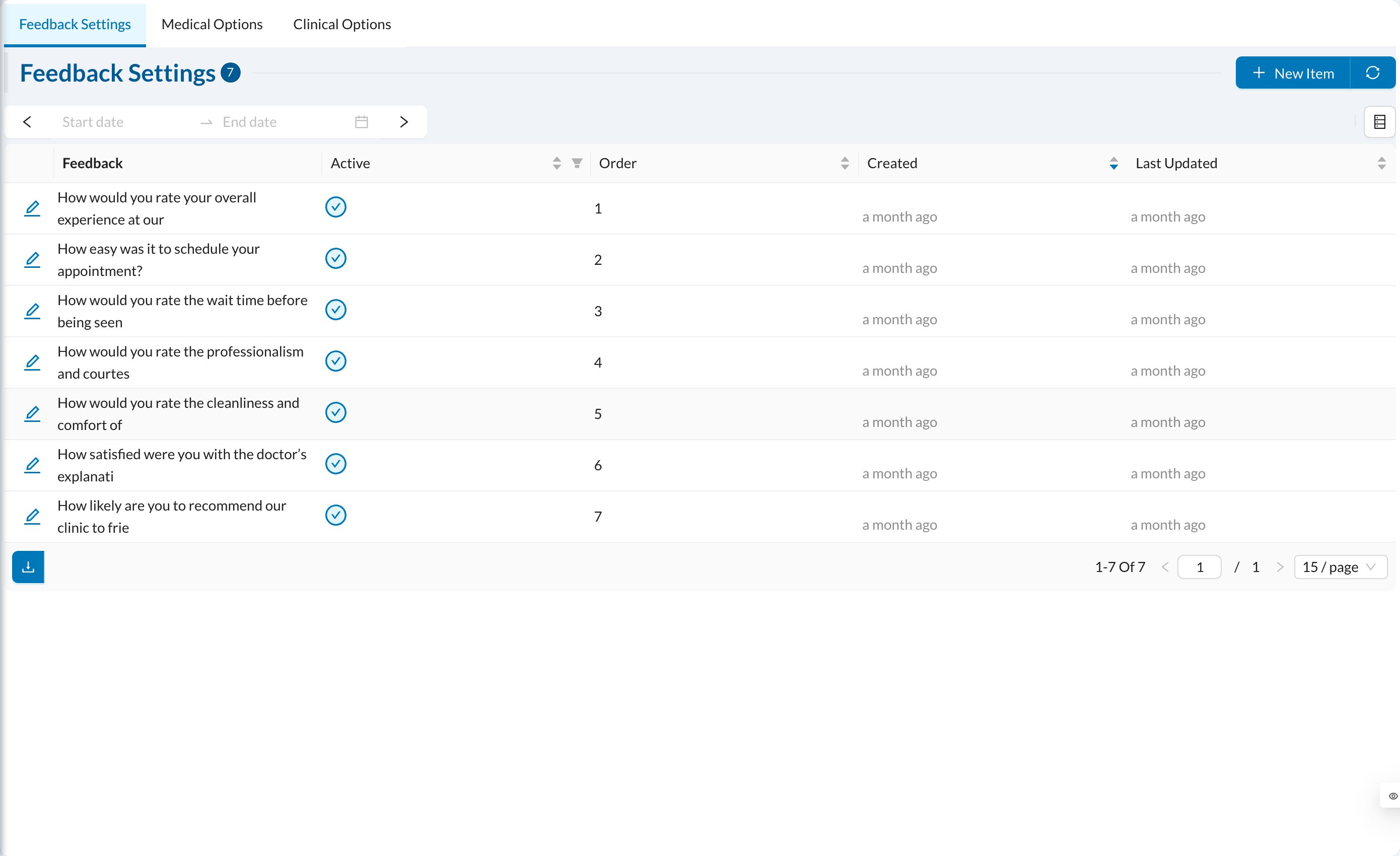
Feedback Settings The questions patients answer about their visit, rated from 1 to 5. Click New Item to add a question in each language, with its Order. Patients answer from their appointment link after the appointment is Completed, once per appointment. Answers are in Logs → Feedback.

🩺 Medical Options

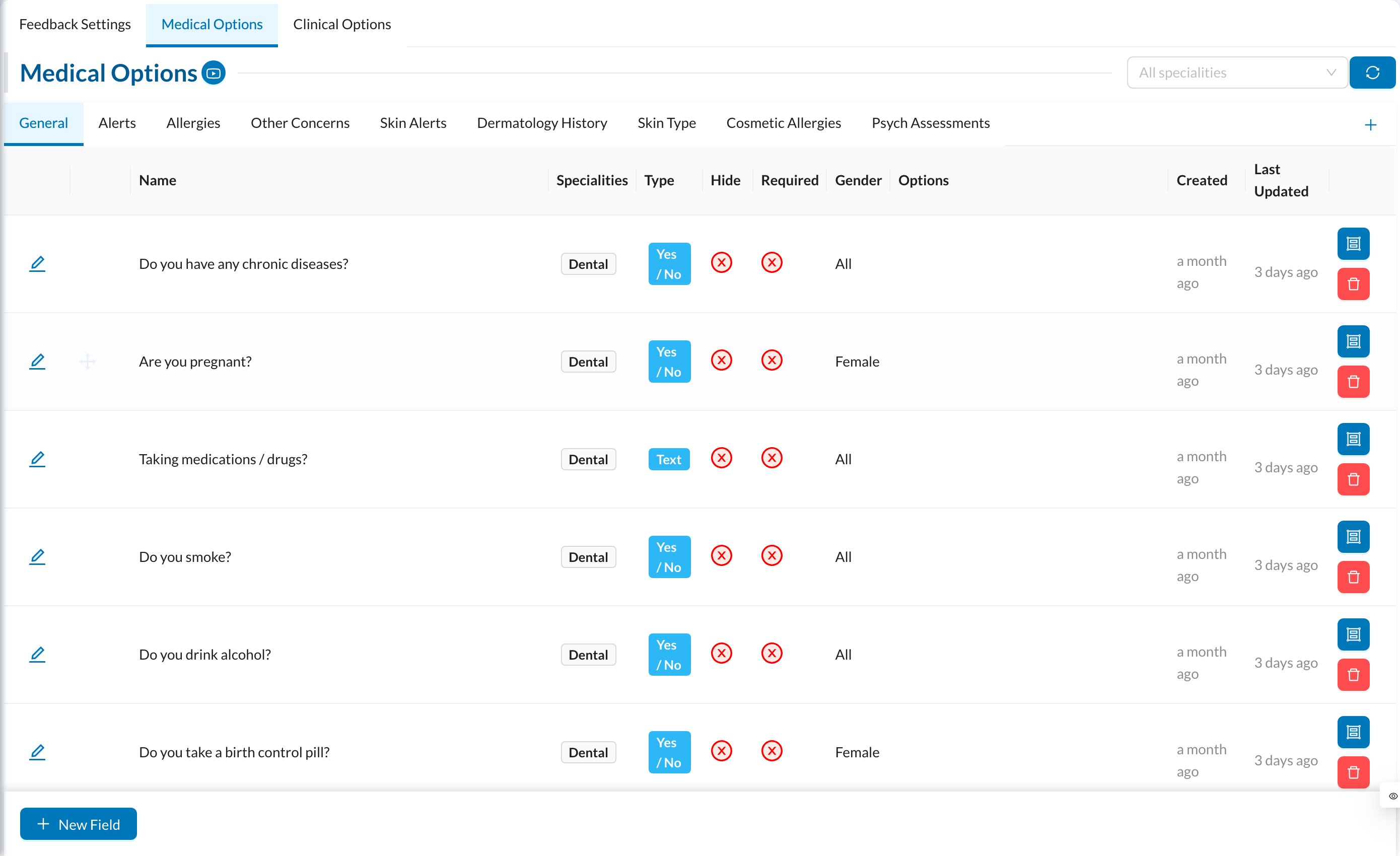
Medical Options The questions of the patient’s medical history, in sections (groups):
  • Group: turn on Show Alert On Patient Profile? for sections such as allergies, so answers show as a medical alert.
  • Question: Name, Type (Yes / No, List, Text, Number, Text Area, Select, Multi Checkbox, Multi Text), Options for choice questions, Gender, Specialities, Hide for Patients (not shown when patients fill it in themselves), Field Is Required and Active.

🔬 Clinical Options

The questions of the Clinical tab (clinical examination), set up the same way.

📋 Encounter Settings

If your clinic uses encounters, this tab lists the encounter fields (complaint, diagnosis, vital signs, lab results…). Turn on Enable for the fields you use, Required for mandatory ones, and Print for the printed copy. Drag to reorder. See Encounters.