

Labs and suppliers are under Associates in the side menu.
🧪 Labs
Go to Associates → Labs and click New Lab: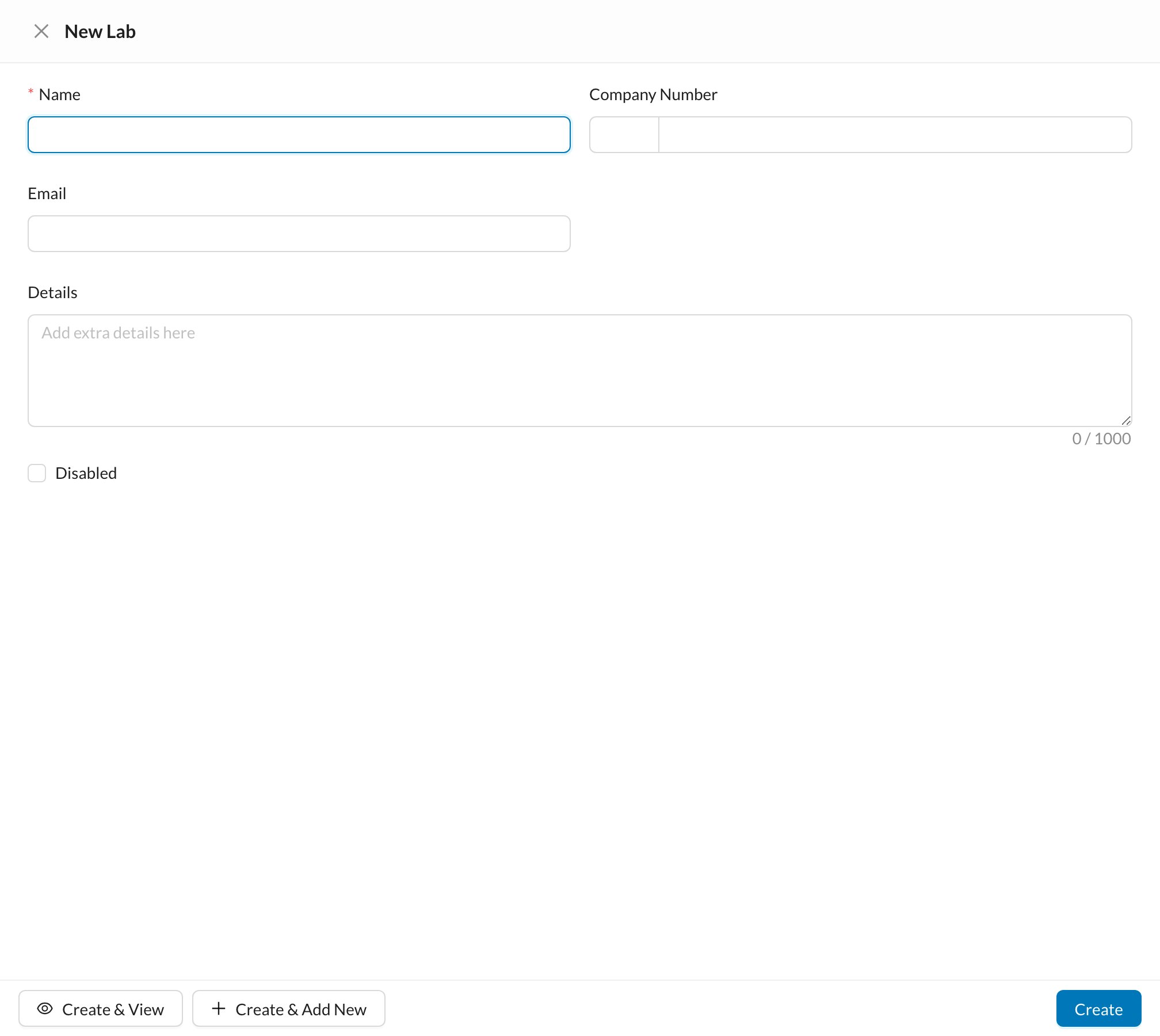
🚚 Suppliers
Go to Associates → Suppliers and click New Supplier. The fields are the same. Open a supplier to see its Expenses, Inventory Orders and Files. Choose the supplier on inventory Purchase orders and on expenses. What you owe a lab or supplier is tracked through their Expenses.Mark a lab or supplier Disabled instead of deleting it. A lab with orders can’t be deleted.