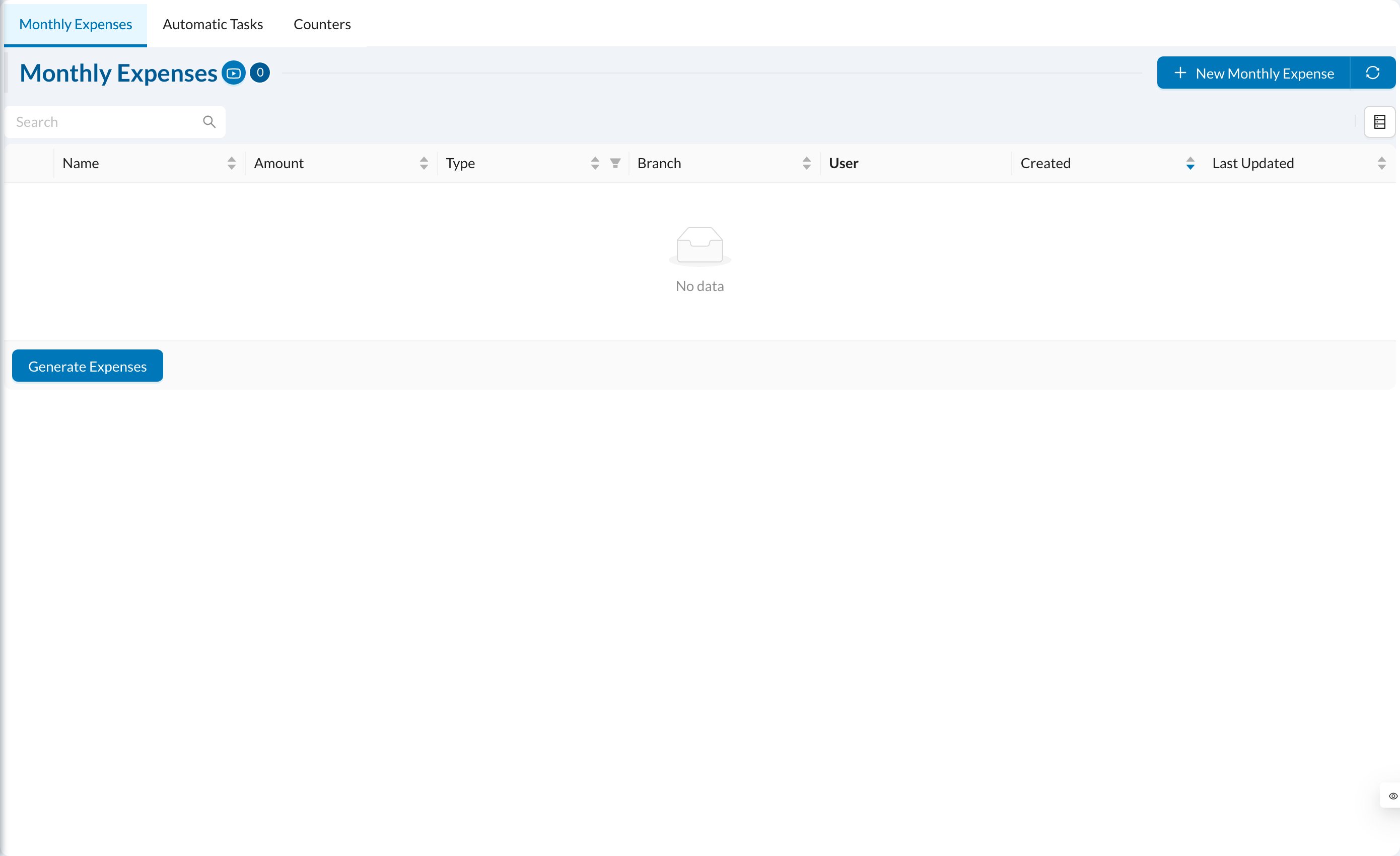
Click New Monthly Expense: enter the Name, Amount, Type (for example Salary or Rent), the User for salaries, the Branch, and a description. Tick Mark Expenses as Paid and choose the Payment Type to record the payment automatically. Keep it Active.On the 1st of every month, each active monthly expense is created automatically for the previous month. For salaries linked to a user, advances, bonuses and deductions of the month are taken into account.
Click Generate Expenses to create expenses for a period yourself. Choose the dates (up to one month), the branch, and whether to Include Monthly Expenses and Include Salaries (calculated from each doctor’s percentage or salary settings). Review and edit the list, then click Create Expenses. They’re created as unpaid.
Active monthly expenses are already created automatically each month. Generating them again for the same month creates duplicates.