

Counters track the reading of a device such as a laser machine. They’re available for clinics with the dermatology specialty.
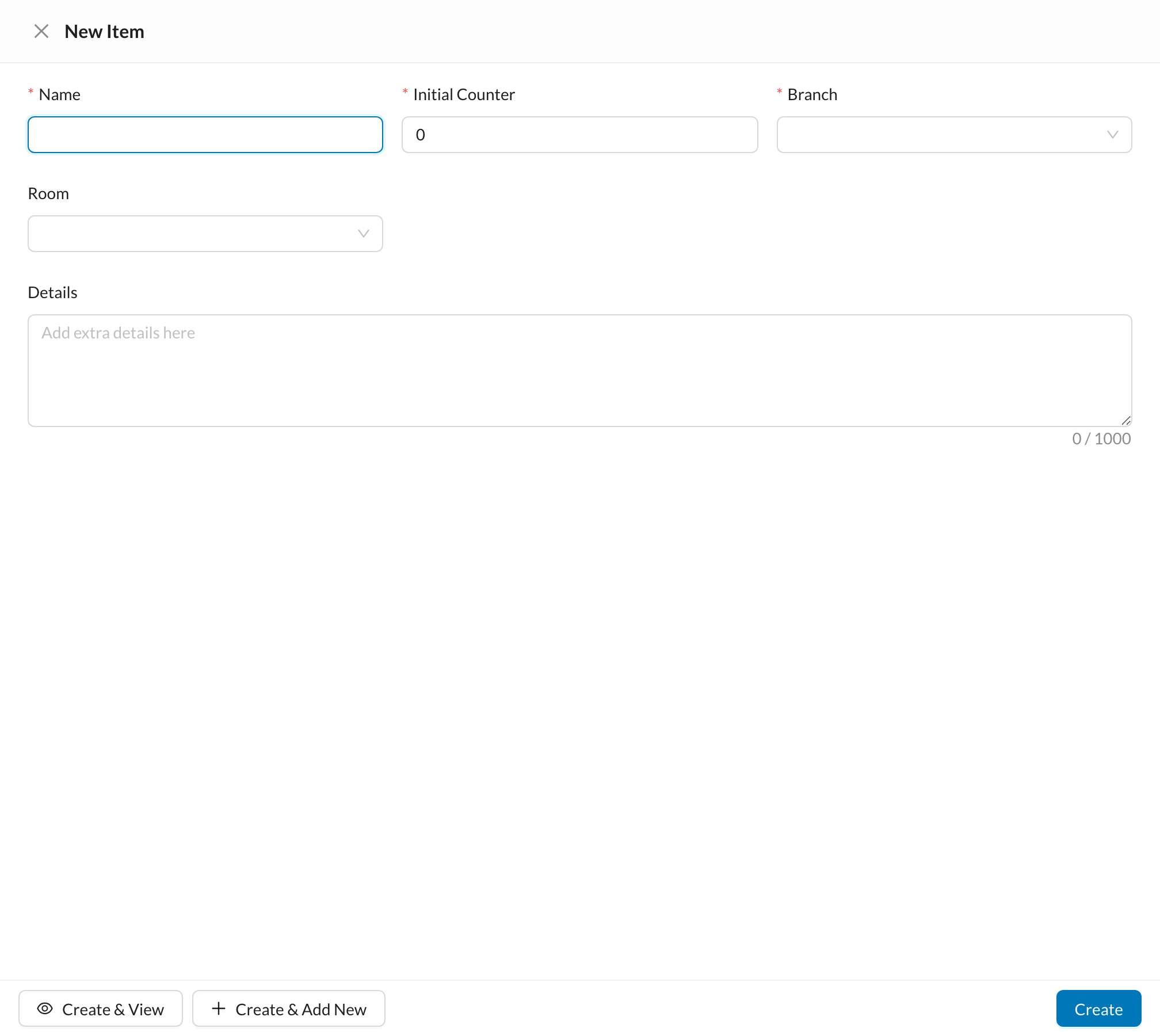
Go to Settings → Processes → Counters and click New:
🔁 How readings are recorded
- In Settings → Procedures and Prices, turn on Pulses / Sessions and Require Counter for the procedures that use the device.
- When a session of that procedure is recorded, choose the Counter (filled in from the appointment’s room) and confirm the Final Counter. The counter increases by the pulses used.