

🏥 Clinic settings
Go to Settings → Clinic → Main (clinic owner only).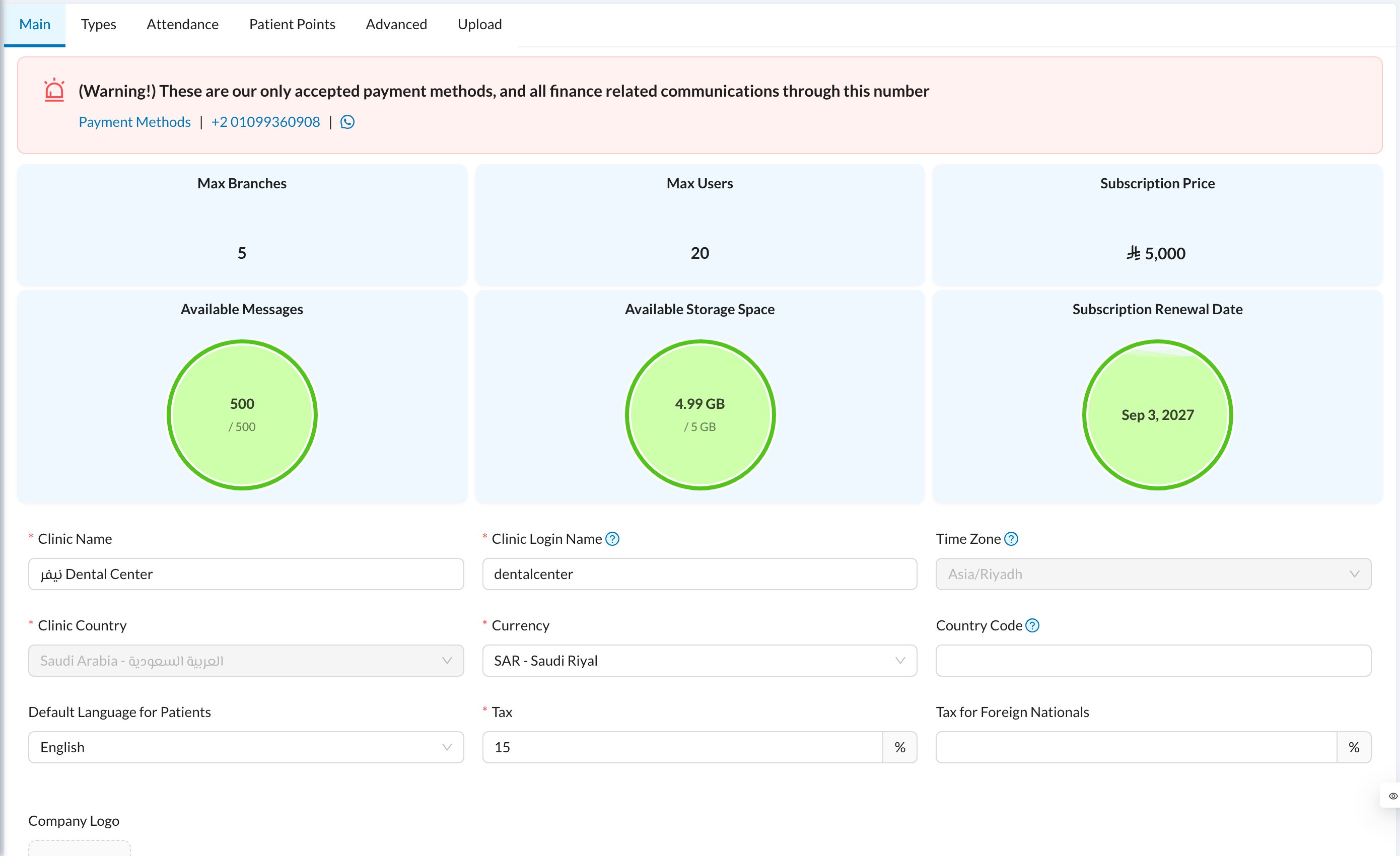
- Clinic Name and Company Logo (the logo saves as soon as it’s uploaded).
- Clinic Login Name: used by staff who log in with a username. See Login.
- Currency, Country Code (added to every phone number), Default Language for Patients, Tax and Tax for Foreign Nationals.
🏷️ Types
Settings → Clinic → Types holds the lists used across the system: Appointments types (with colors and online booking), Expenses, Income, Inventory, Payments subtypes, Patient Tags, Referral Source (“How did you hear about us?”) and Salary Hub types.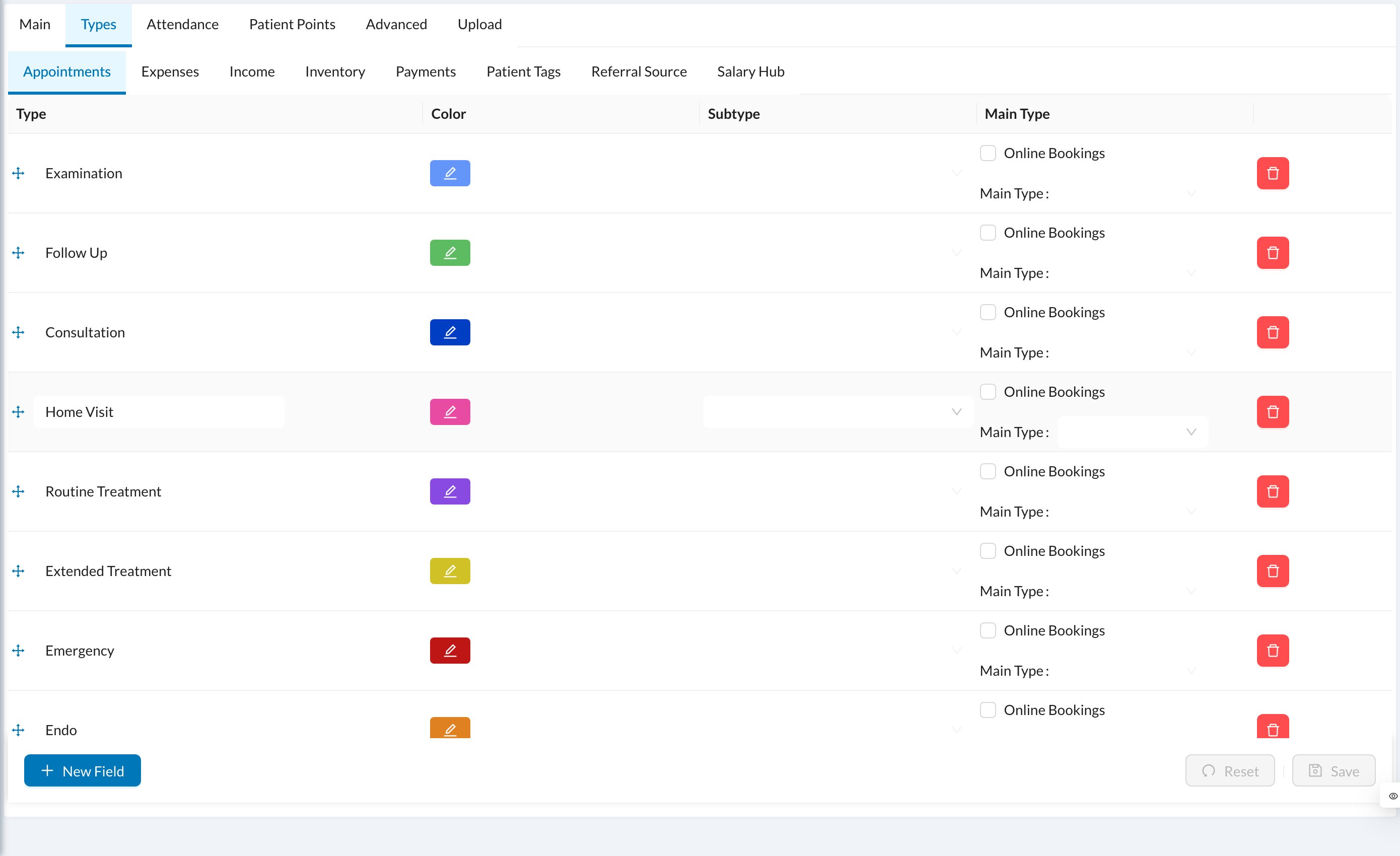
🏢 Branches
Go to Settings → Branches and click New Branch: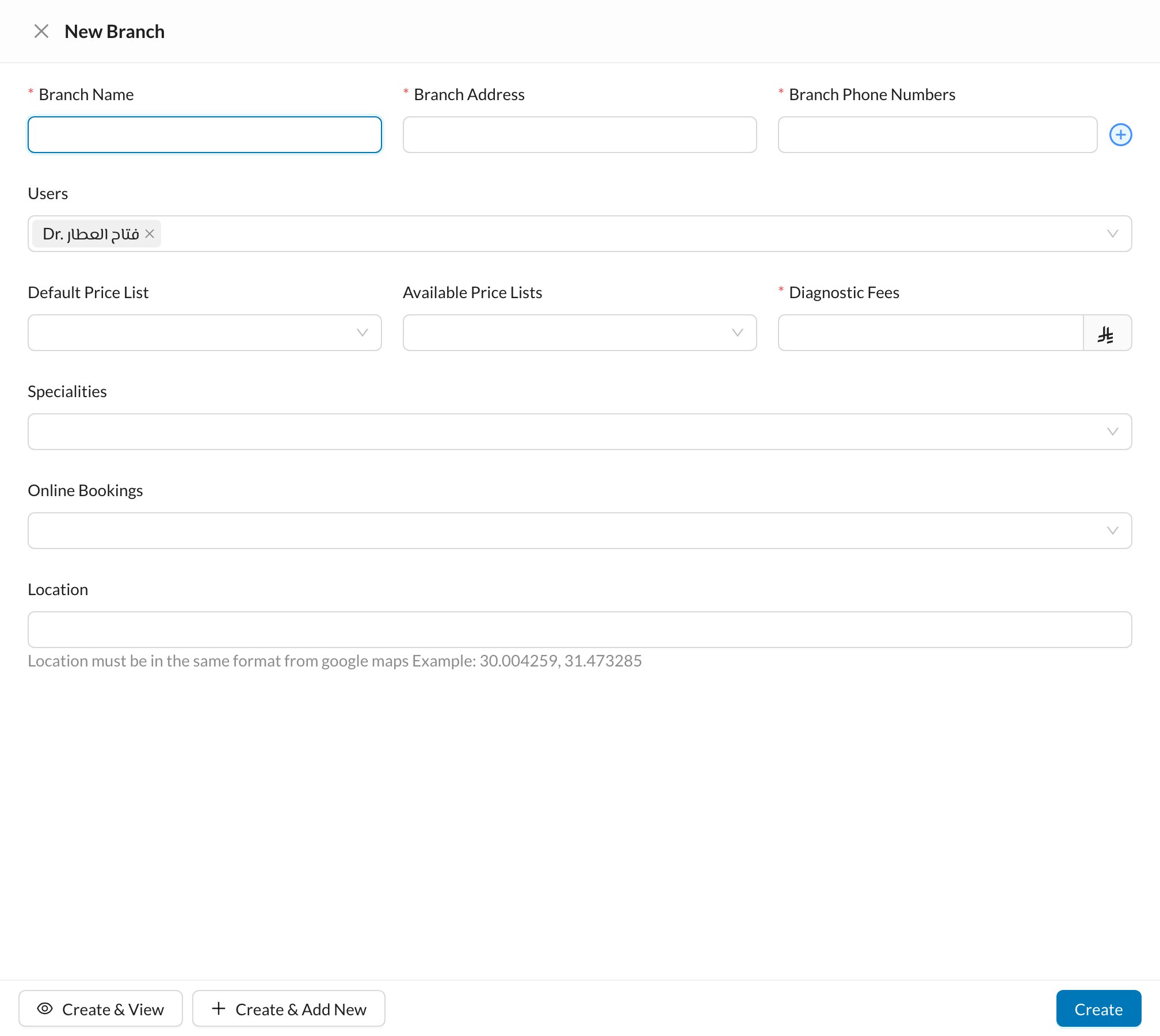
- Branch Calendar Settings: working days and hours, breaks, holidays and rooms. See Calendar.
- Branch Treasury Settings: the default treasury for each payment method, for payments, expenses and income.
- Assigned To Settings: who’s notified of invoices, prescriptions, forms and lab orders created in this branch.
The number of active branches is limited by your subscription. The main branch can’t be disabled.