

Go to Settings → Print. Each tab is a printed document: Prescription Form, Invoice Form (also used for quotations), Chart Form, Expenses Form, Lab Order Form and Free Forms.
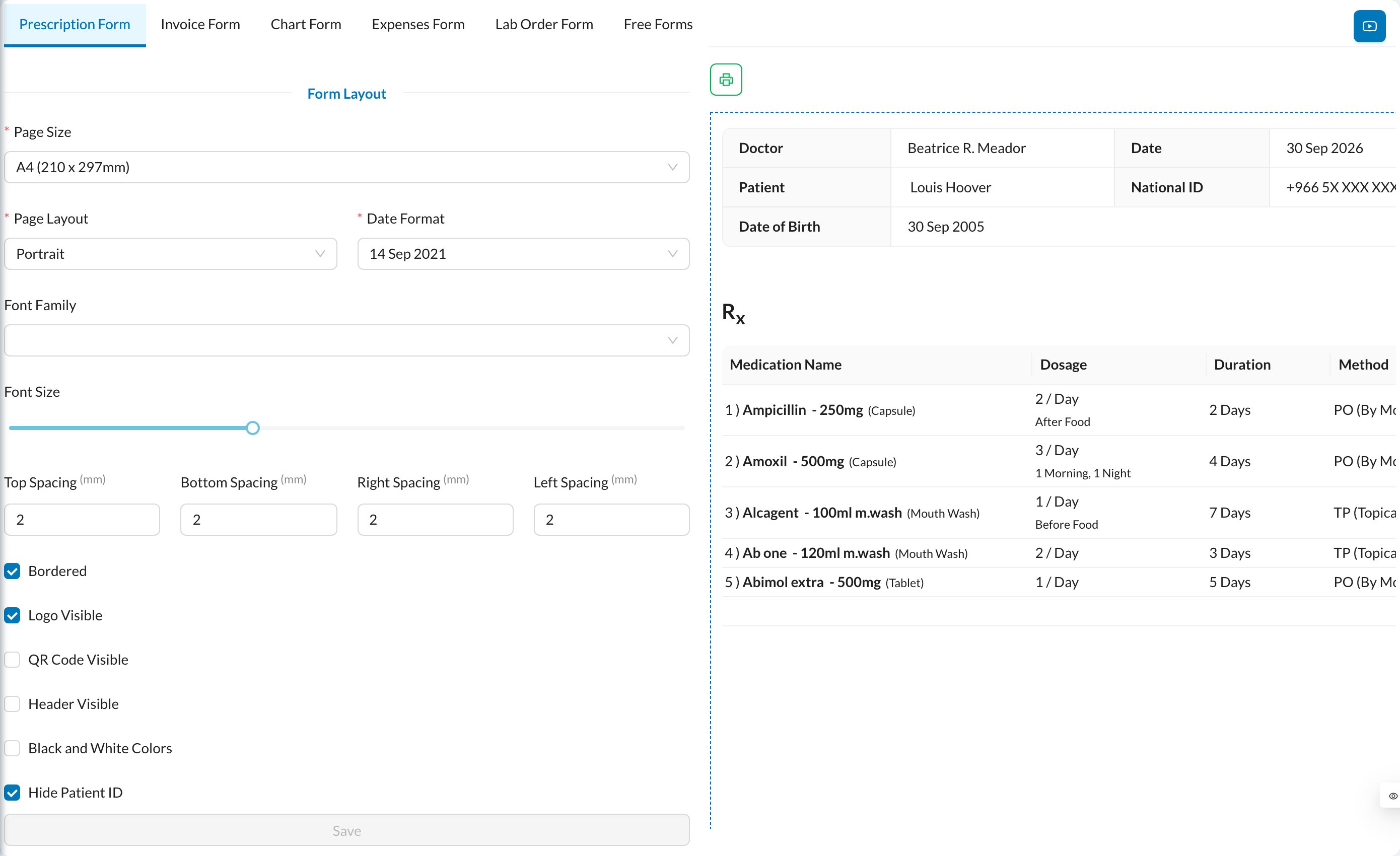
- Form Layout: Page Size (A4, A5, thermal receipt…), Page Layout (portrait or landscape), Date Format, Font Family, Font Size and page margins.
- Visibility: border, Logo Visible, QR Code Visible, Header Visible, black and white, and hiding the patient or national ID.
- Header: logo size, Title and Subtitle.
- Doctor, Date, Patient Name and Patient Age: show or hide, and where to place them.
- Watermark: text or image in the background.
- Signature (invoices and forms): patient and doctor signature places.
- Footer Visible and Footer Text.
- Document-specific options, for example which columns the prescription shows, or showing treatments and payments on invoices.
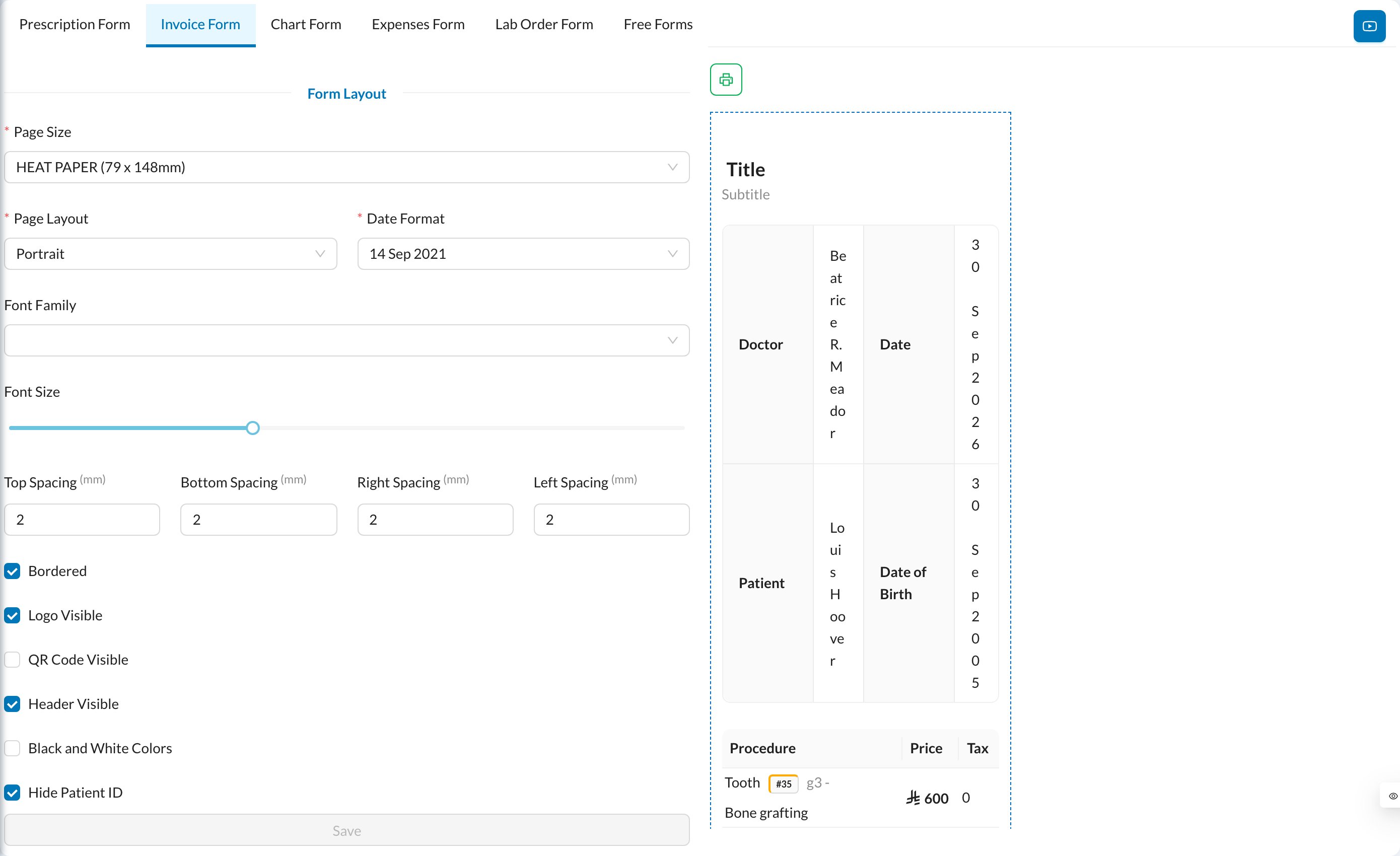
Each branch has its own print settings. Switch branch in the side menu to set up another branch. The logo is the clinic’s logo from Settings → Clinic.